How CoGS Web works
A 2.8 MHz 65816 with a megabyte or two of memory can't read a modern web page by itself. A front page today is a few megabytes of HTML and style sheets over an encrypted connection, with photographs that take a lot of arithmetic to decode.
CoGS Web does that work on the CoGS card, which is already in the IIGS's slot. No other computer takes part. The card opens the connection to the site itself.
Who does what
The card (a Raspberry Pi Pico 2 W on the CoGS board):
- Opens the connection. HTTP/1.1, TLS 1.2, gzip, redirects up to eight deep, cookies.
- Reads the HTML as it arrives. Text in UTF-8, Latin-1 or Windows-1252.
- Reads the page's style sheets, up to eight of them.
- Lays the page out in lines, using the widths in Apple's own IIGS font files.
- Draws those lines into rows of Super Hi-Res pixels, text drawn the way QuickDraw II draws it.
- Decodes JPEG (baseline and progressive), PNG and GIF, scales each picture to the page, and fits palettes to it.
- Unzips downloads and reads ProDOS disk images.
The IIGS (the CoGS.Web program, about 200 KB):
- Runs the desktop: menu bar, address bar, scroll bar, pointer, dialogs.
- Sends a key or a click to the card.
- Copies the rows the card answers with onto the screen.
- Writes downloaded files through GS/OS.
The card never sees the IIGS's screen memory, and the IIGS never sees HTML.
A key press
When you press Space, the program sends one small request to the card and gets back a reply that says which rows of the screen changed. If the page moved over plain text, the reply also says how far the rows already on screen can be moved, so the IIGS moves them itself and only the new rows cross the bus. Picking the next link is two or three text lines' worth of rows.
Rows are packed before they are sent, and a row that is the same as the one above it is sent as one byte saying so. A row of text is mostly white, so a screen of text is a few kilobytes.
Memory on the card
The card's engine works inside 96 KB, and no single block is over 16 KB. That limit is why the design looks the way it does:
- A page is never held whole in memory. As the HTML arrives it is reduced to its text and structure, and that goes into the card's flash with the page's pictures. The layout reads it from there.
- The layout keeps the 160 lines around what you are looking at. Every 32 lines it saves where it was, in 80 bytes, so scrolling back up starts from the nearest saved point.
- A screen is drawn 16 rows at a time and handed over, so no whole screen is ever held either.
- A JPEG is decoded a strip at a time. A progressive JPEG has its scans read side by side, each from its own place in the file, so even those need only one strip in memory.
Fonts
The page is set in the IIGS's fonts at the sizes the 640-wide screens use, with Shaston 8 (the system font, which is in the ROM) for the browser's own text. Bold and italic are made the way QuickDraw II makes them, so the text on a page matches text anywhere else on the desktop.
Pictures and color
A 640-mode line has four colors and a 320-mode line sixteen, from one of sixteen palettes. The card cuts white edges off a picture, scales it by area to its place on the page, then fits a palette to each band of the picture with median cut and dithers within the band. Different bands of one photograph use different palettes, which is where the extra color comes from.
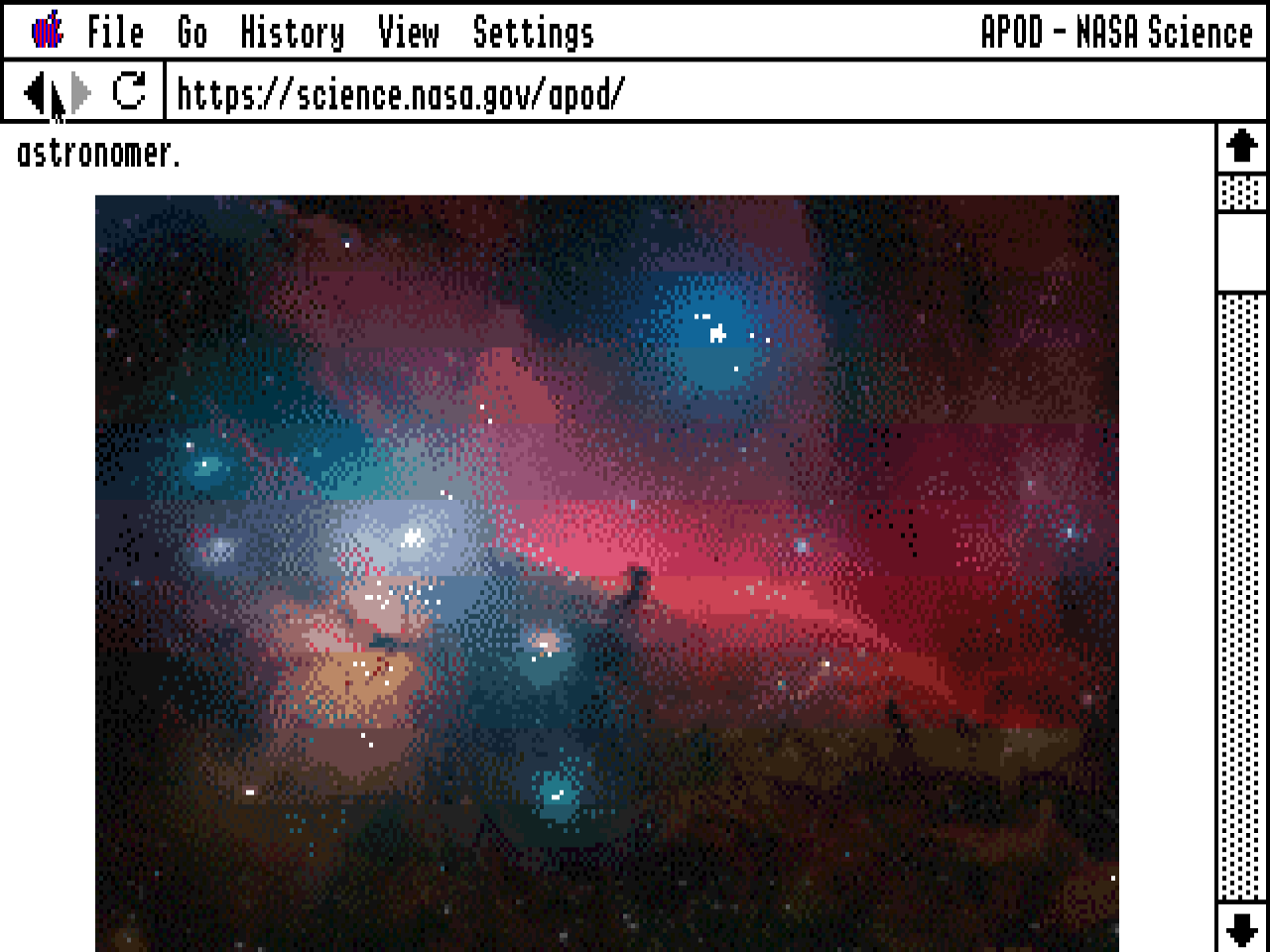
On an AppleSqueezer GS Turbo the 320 x 240 screen has 256 colors, and the card gives each picture colors of its own out of those. The 640 x 400 and 640 x 480 screens give the page twice the rows or more.
The Apple IIe
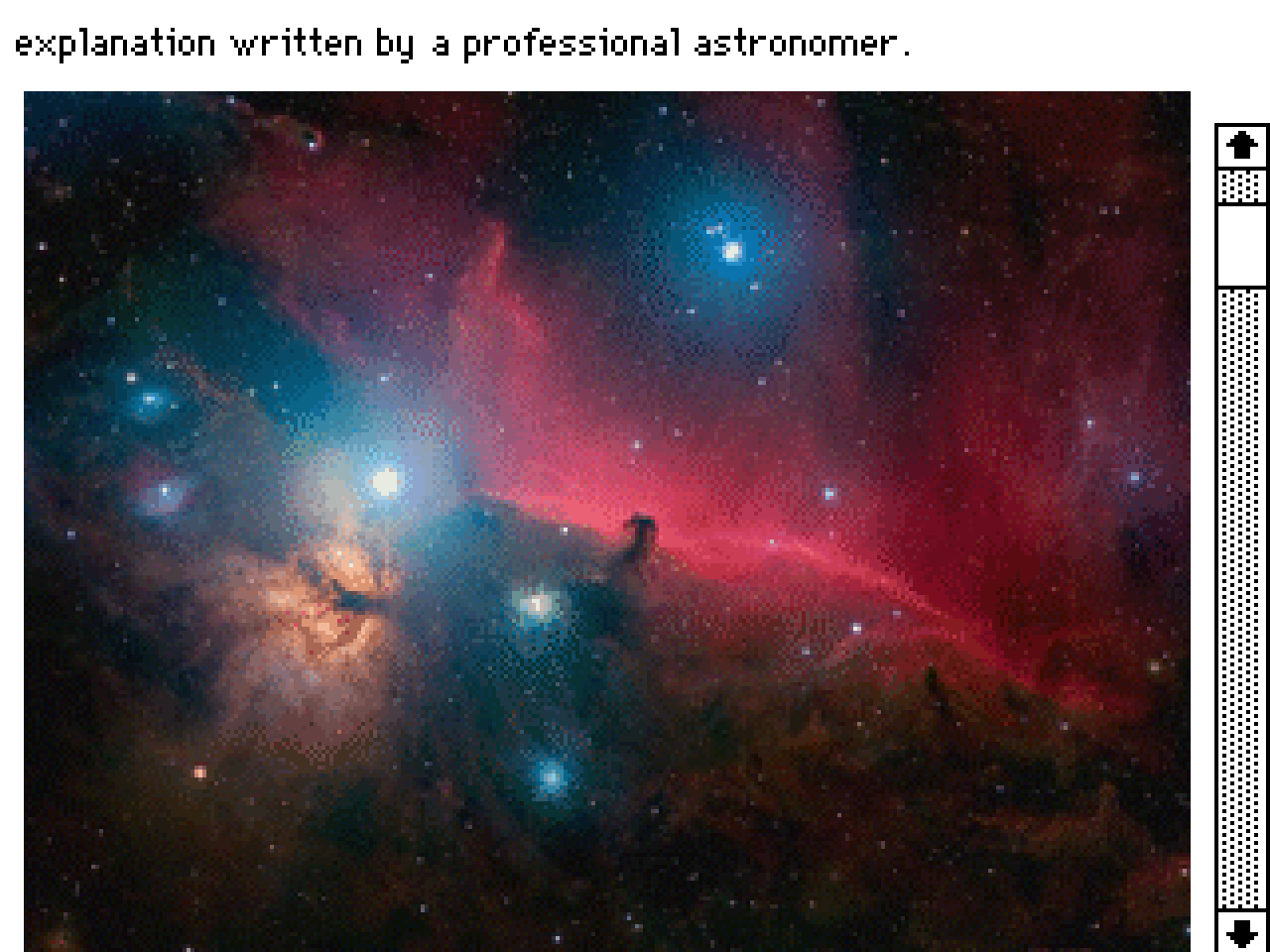
The card draws the same page for an Apple IIe's double hi-res screen, 560 dots by 192. The IIe's program is about 11 KB of plain 6502 code. Every request it sends names that screen, and the card answers with rows of 80 bytes, 40 for auxiliary memory and 40 for main memory, packed the same way as the IIGS's rows. The IIe copies them to the screen and sends keys back. The rest is the same engine in the same 96 KB.
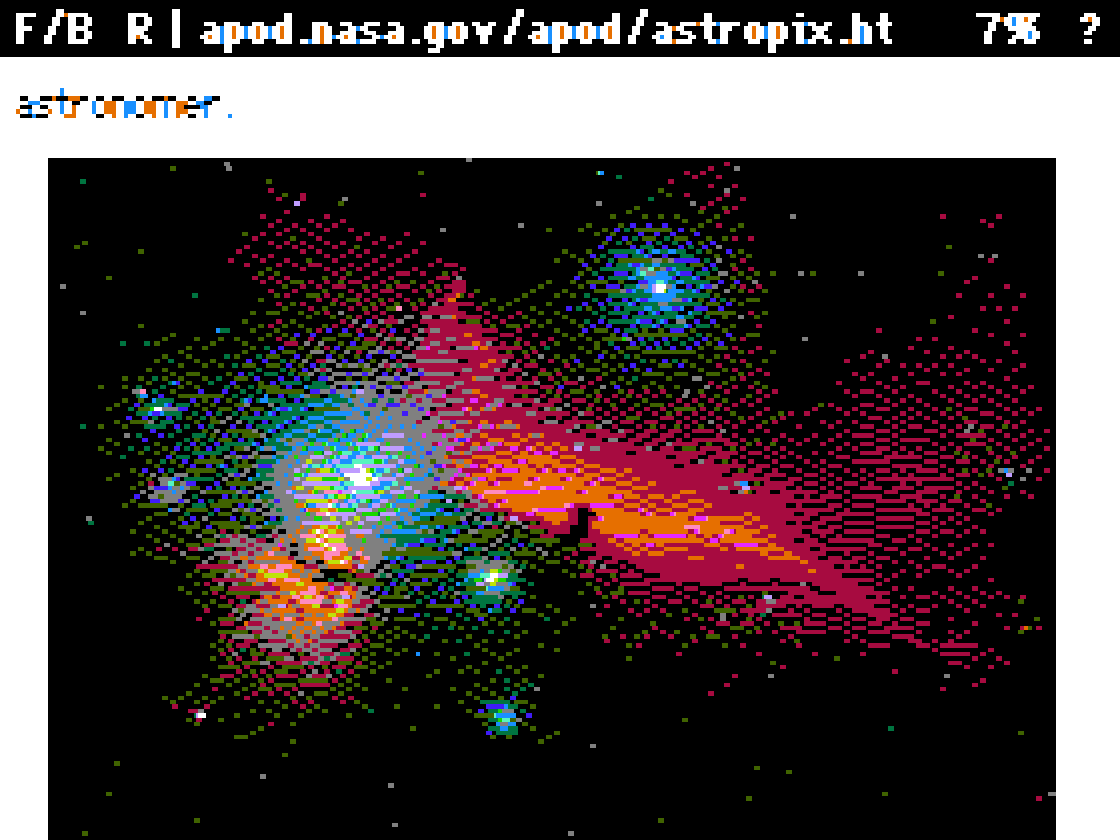
Text can be laid out two ways. At 560 across every dot is used, which a monochrome monitor shows cleanly. A color monitor turns single dots into colors, so the wide layout sets the page 280 across and draws every pixel two dots wide.
This screen has no palettes. A picture is one bit a dot, 560 across, on either monitor. For a color monitor the card chooses each dot on its own. It works out the color a composite monitor would show for that dot given the dots around it, tries the next six dots both ways, and keeps the choice that comes out nearest the picture in linear light. For a monochrome monitor it sharpens the picture and dithers it with Atkinson's pattern.
Style sheets
The card reads a page's style sheets for the things this screen can act on. Those are what is hidden and shown, bold and italic, a monospace family, small text, alignment, capitals, and lists without markers. Selectors made of tags, classes and ids are followed, and the cascade is applied in its real order. Colors, floats, widths and positions are not used. The card does not try to reproduce a desktop layout at 640 pixels. The aim is that the page's words and pictures come out in reading order with their headings and emphasis intact.
Tables of up to eight columns are set as tables, with columns sized to what is in them. Wider tables and tables used only for layout are read as ordinary lines.
If a page's style sheets hide nearly everything, the card reads the page again without them.
Downloads
A file that is not a page is streamed to the IIGS in pieces and written with GS/OS, so it can go to any volume. For a zip the card inflates the members itself. For a ProDOS disk image it walks the directory and sends each file with its type, auxiliary type, dates and resource fork.
What is left out, and why
- JavaScript does not run. A script engine with a DOM does not fit in 96 KB next to everything else.
- The card's TLS is 1.2, so a site that accepts only TLS 1.3 will not open.
- Pages do not open while the card plays music. A secure connection and a page together leave too little of the card's memory for the radio's buffer, so the browser asks you to stop the music first.