CoGS Web A web browser for the Apple IIGS and the Apple IIe that opens today's web.
Type an address on a IIGS or a IIe and the page opens. Wikipedia, Hacker News, NASA's picture of the day, a web search. The CoGS card in the slot makes the secure connection, reads the page and its style sheets, lays it out in the IIGS's own fonts and draws it for the screen of the machine it's in. No other computer takes part.
CoGS Web came out on November 20, 2026, with firmware 1.50.
01
Pages
Every picture here is the IIGS screen at 640 by 200, taken in an emulator running the CoGS Web program, with the card's page engine built for the Mac. The pages are the live sites as they were on November 19, 2026.
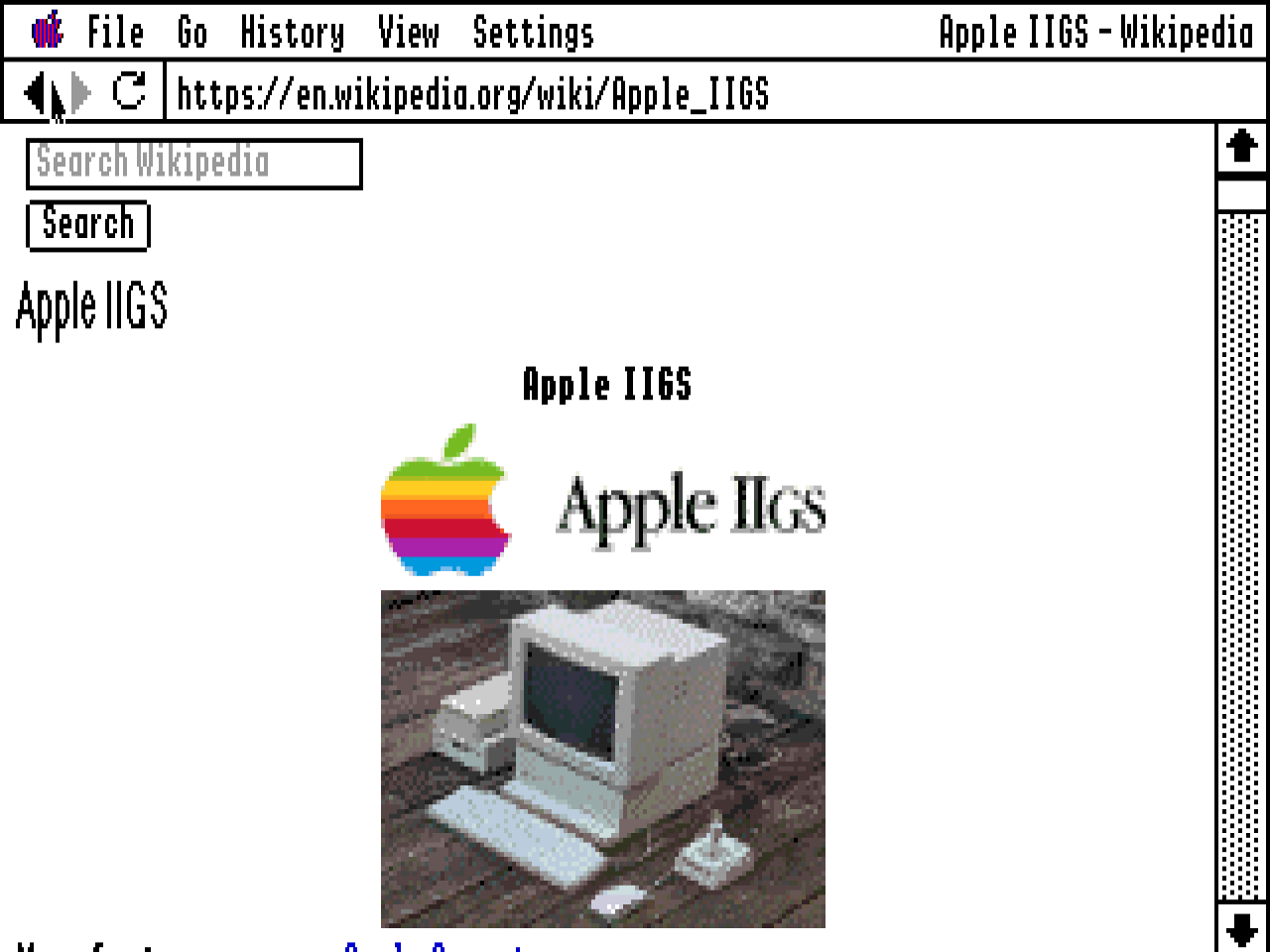
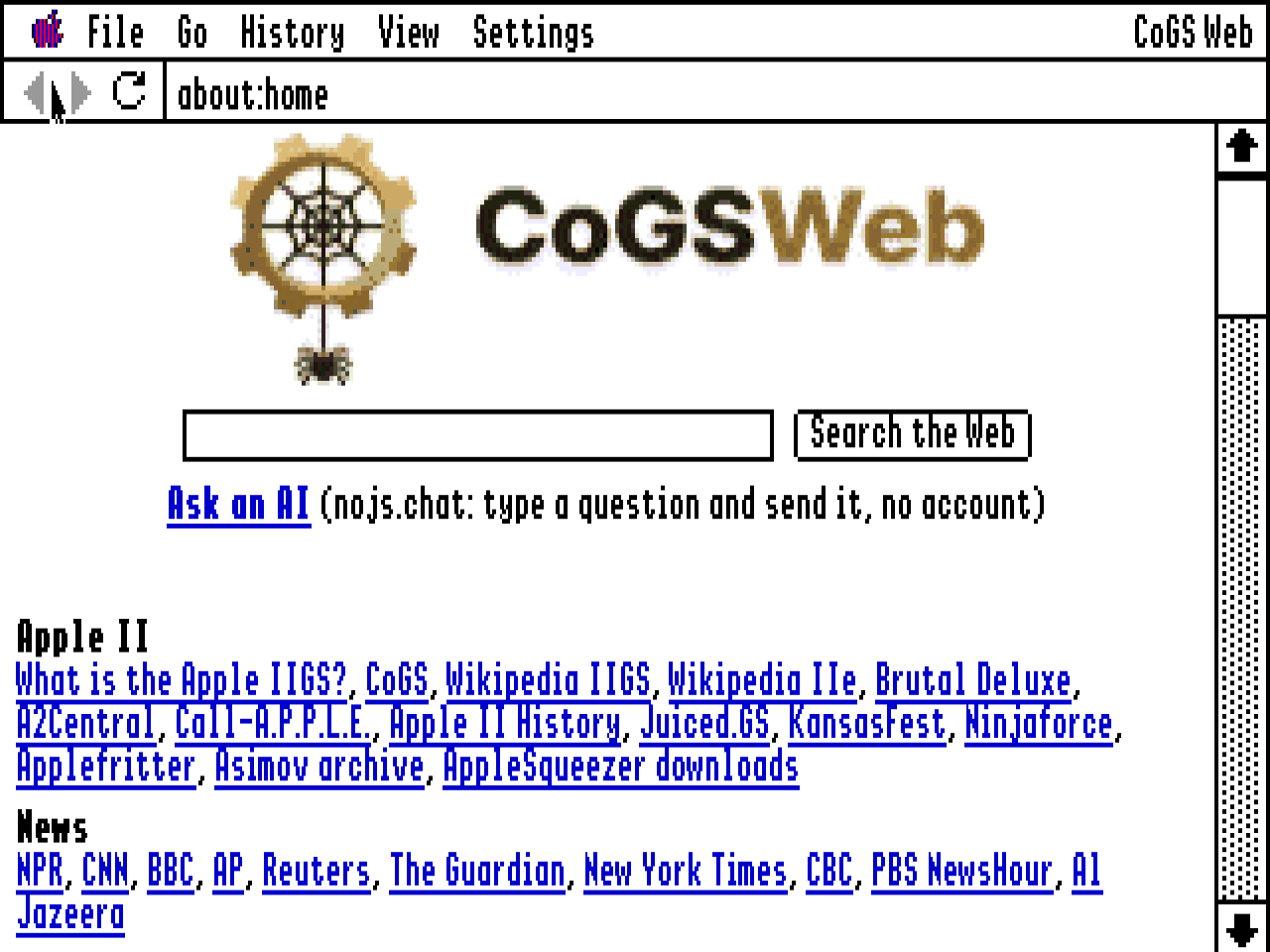
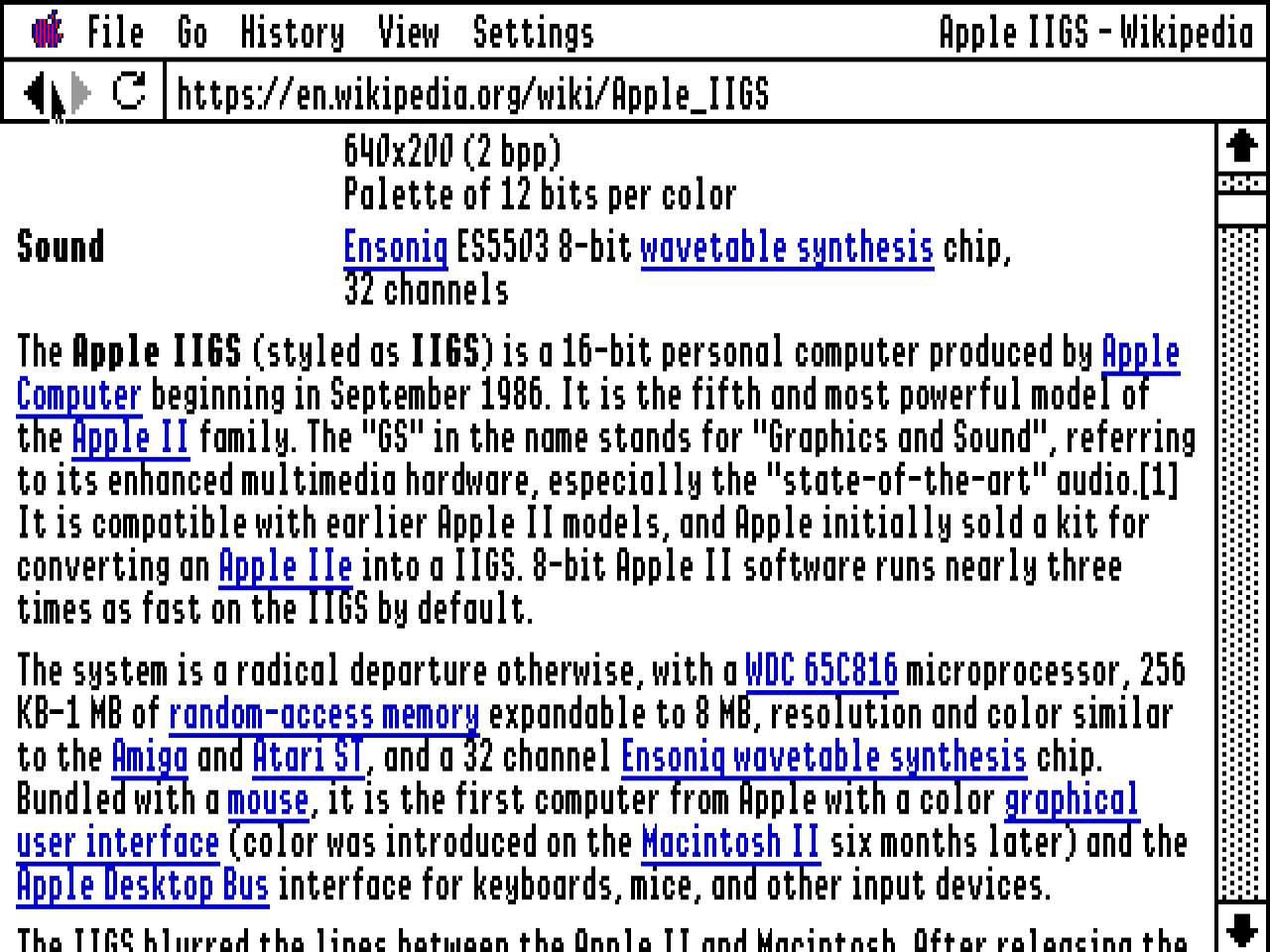
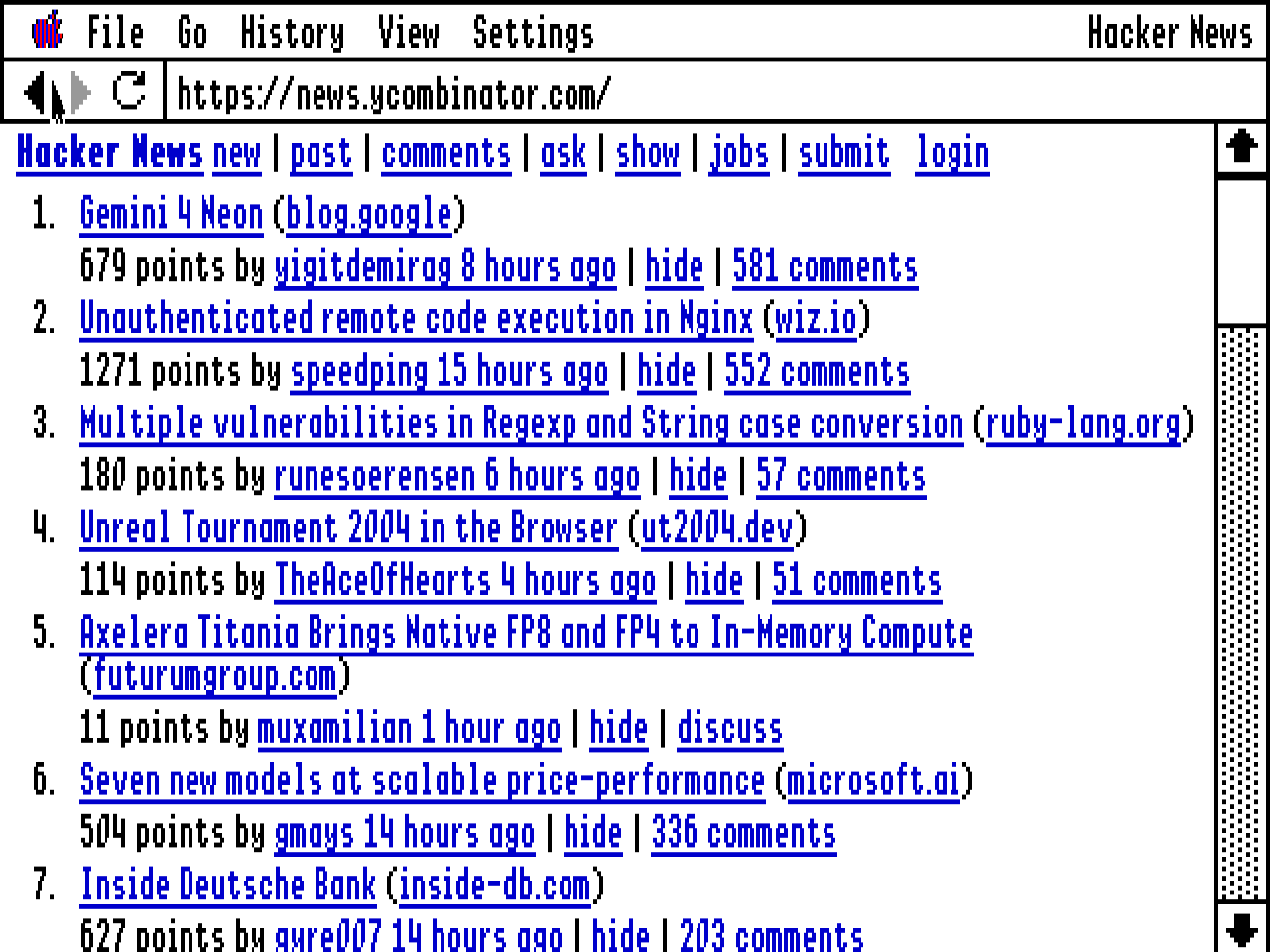
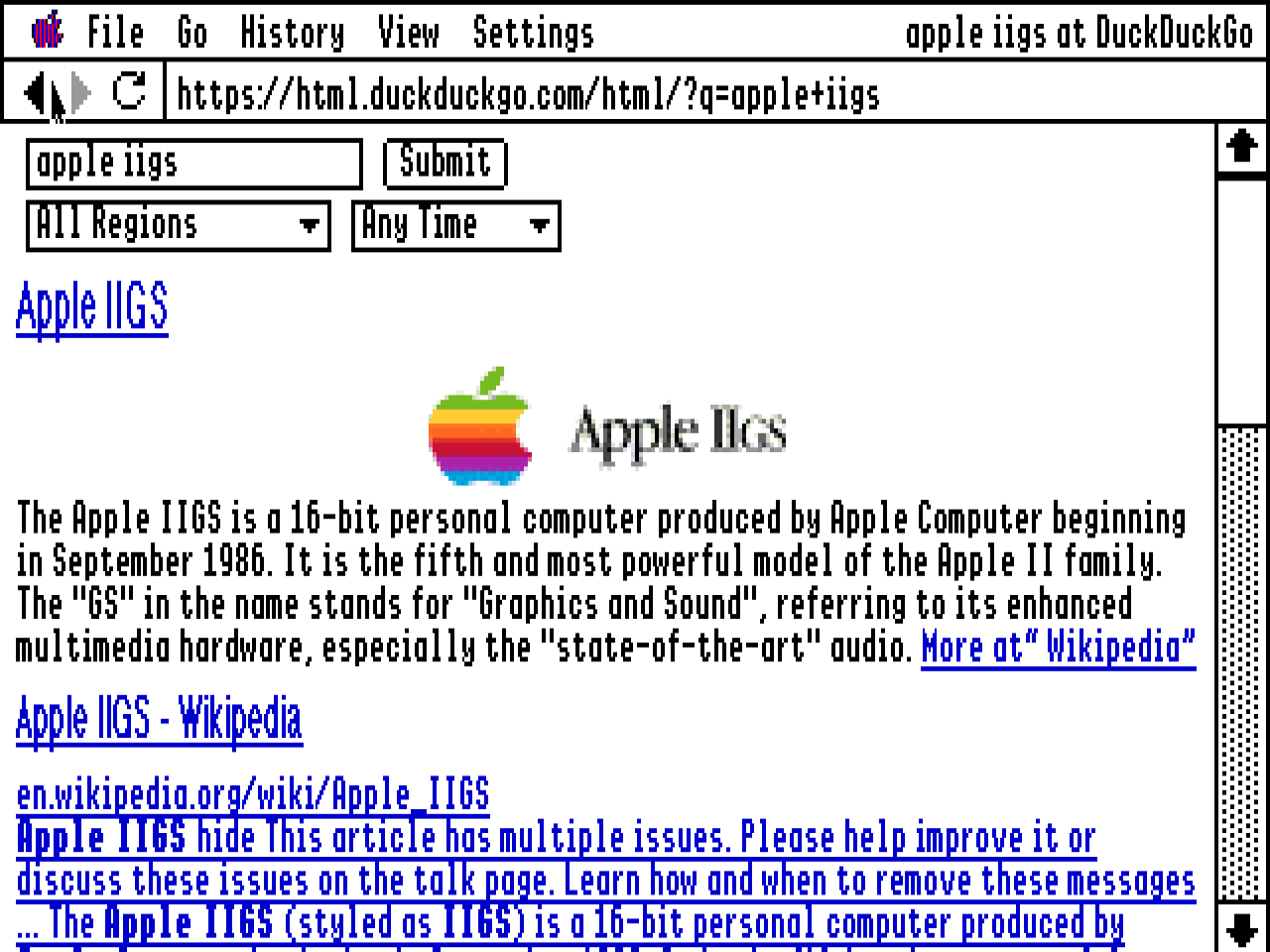
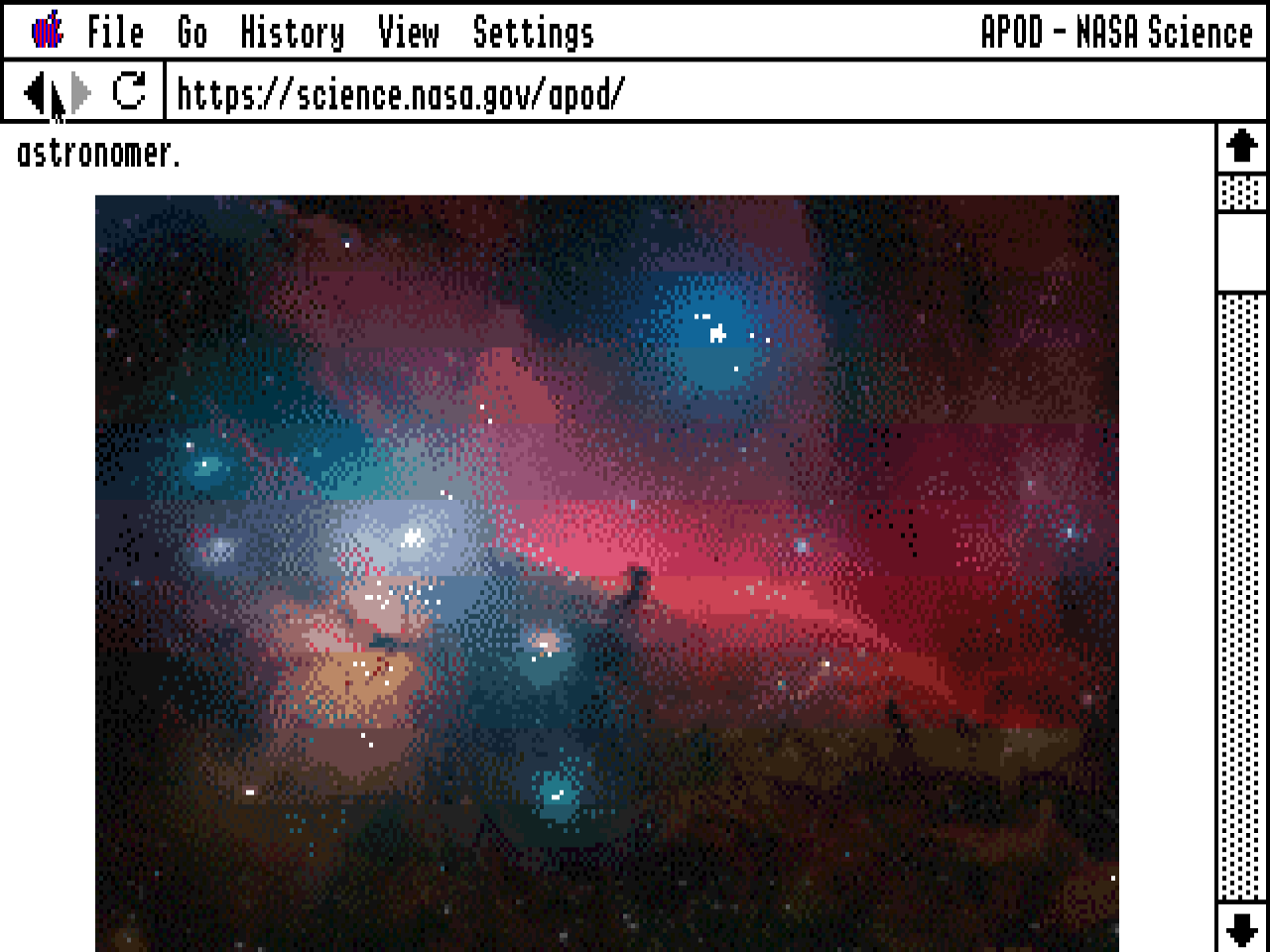
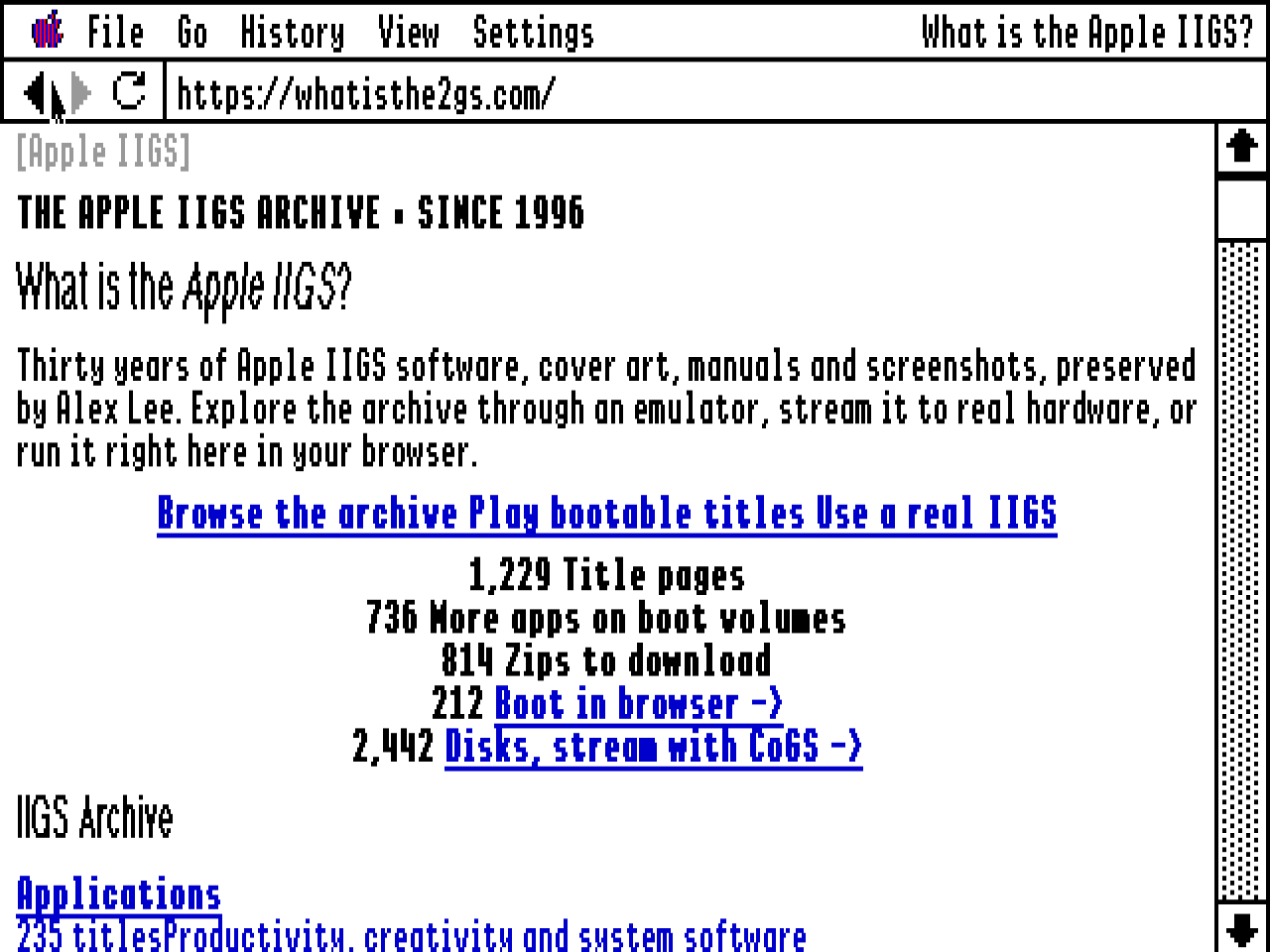
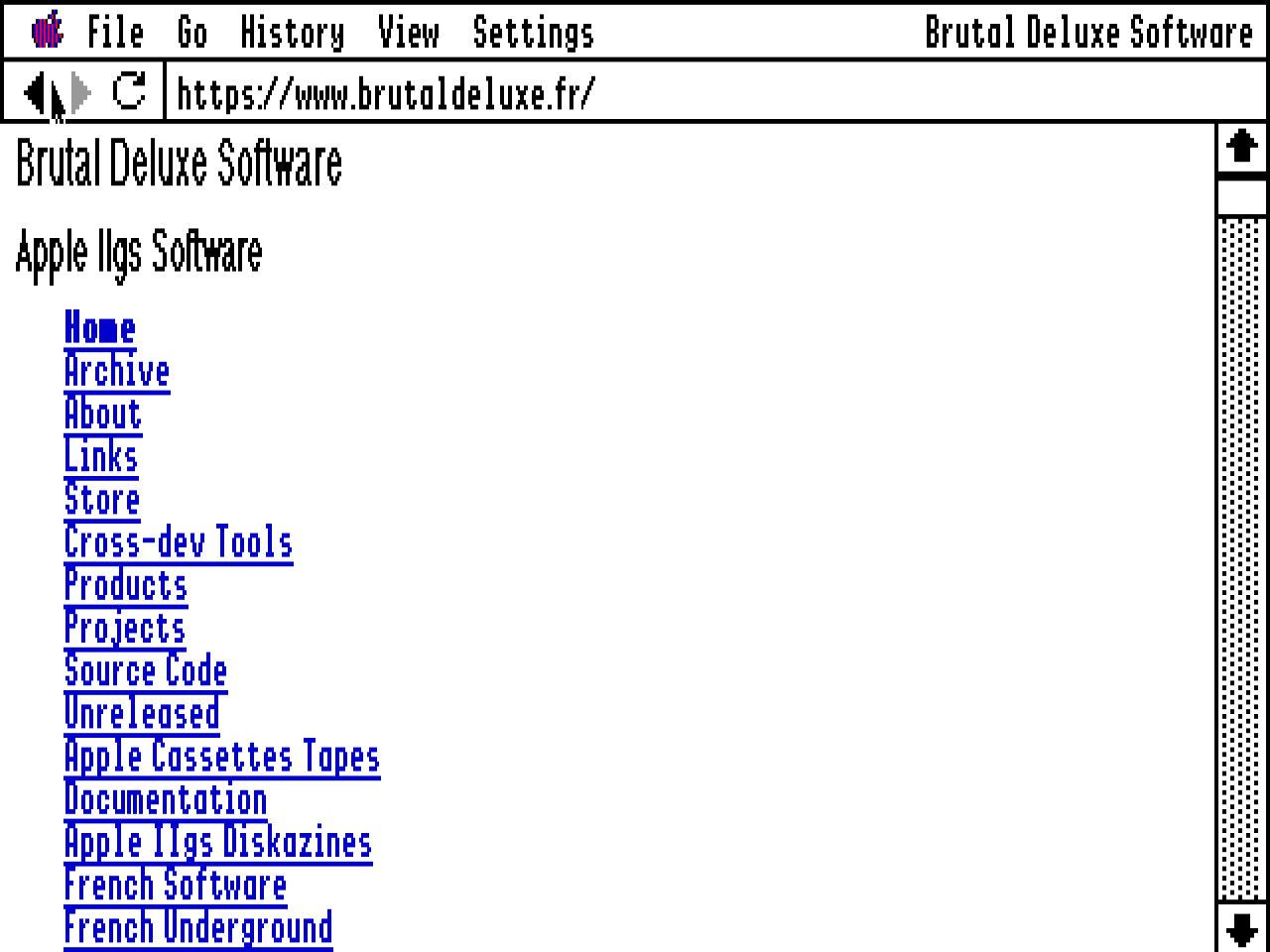
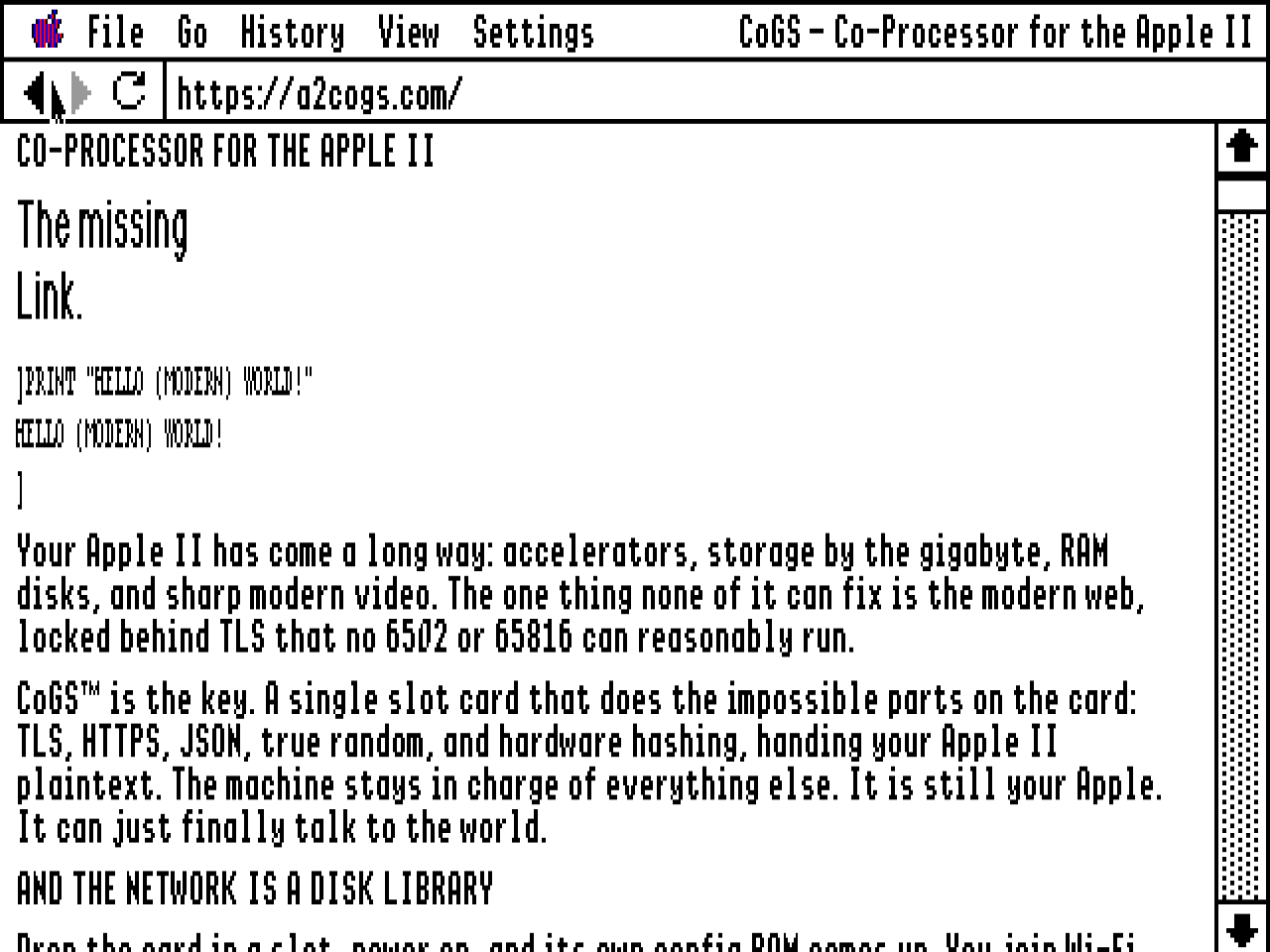
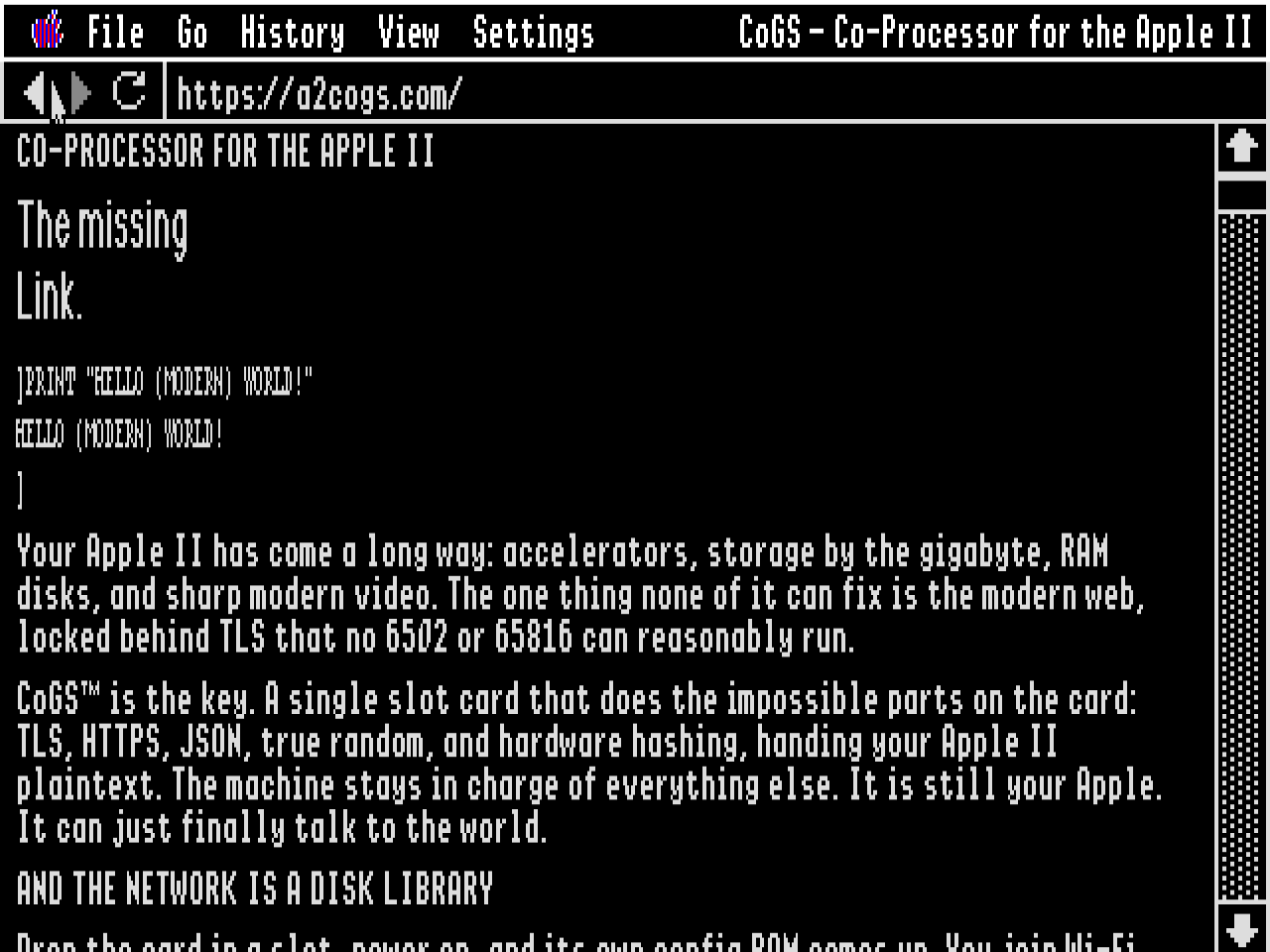
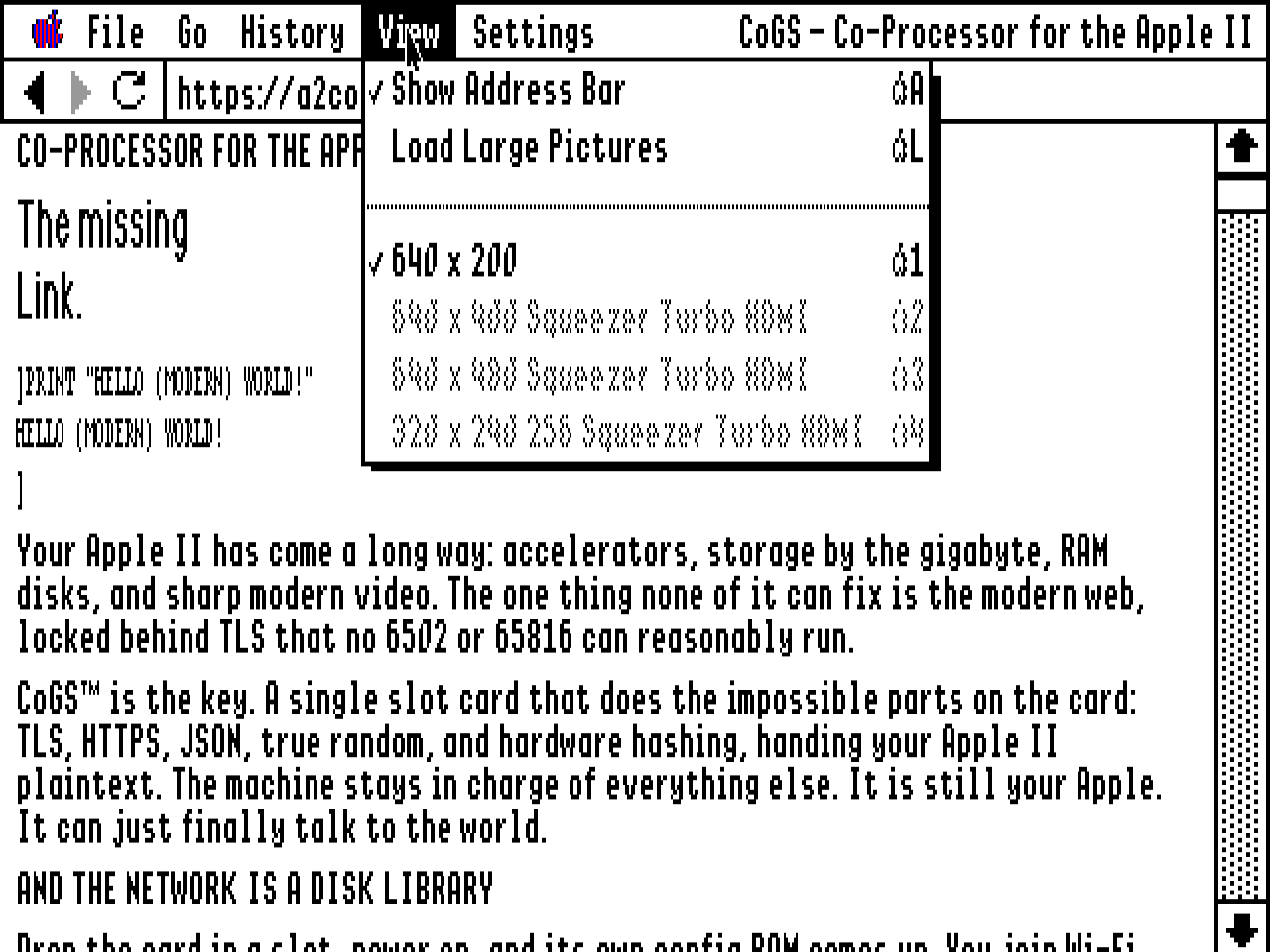
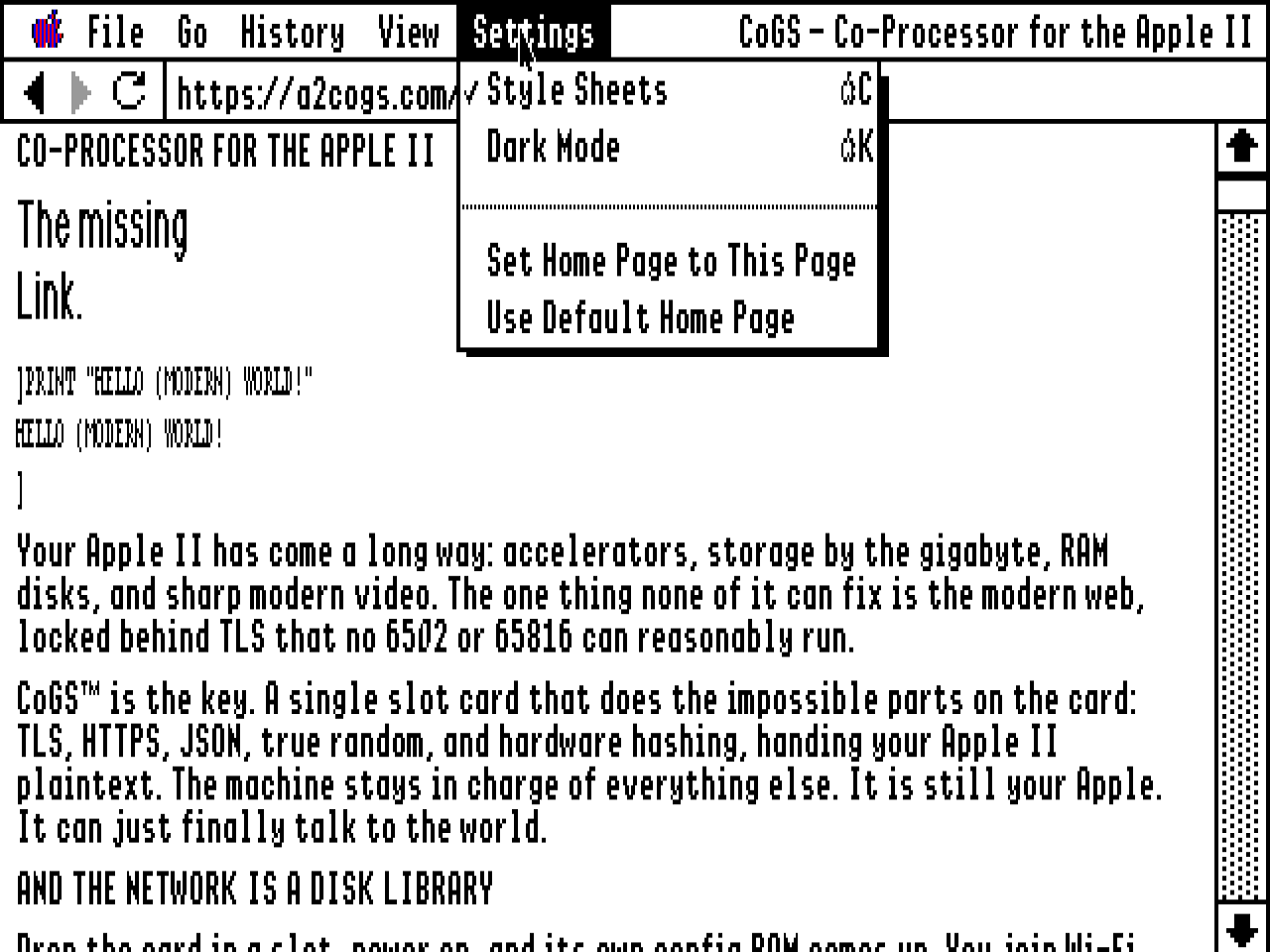
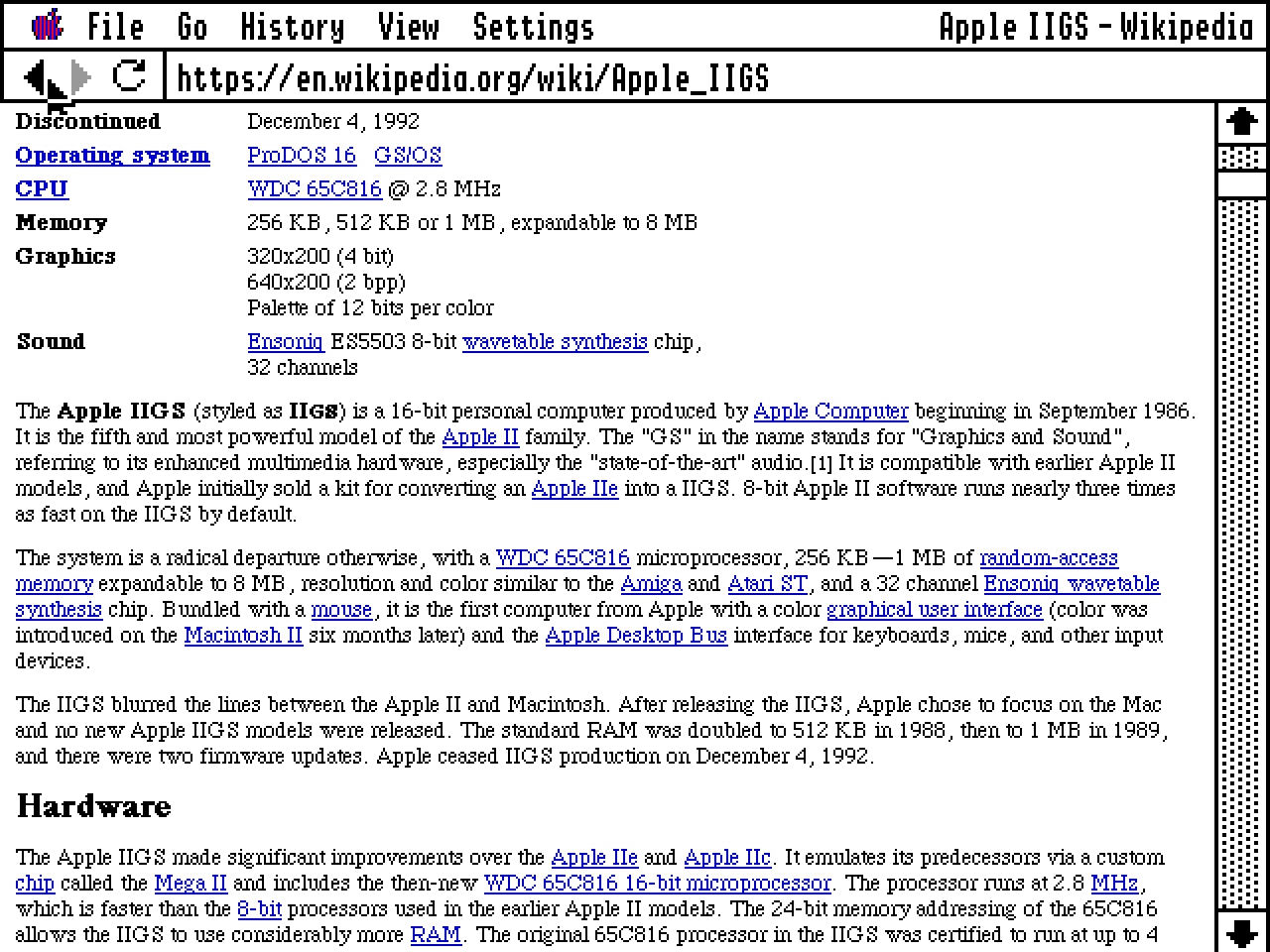
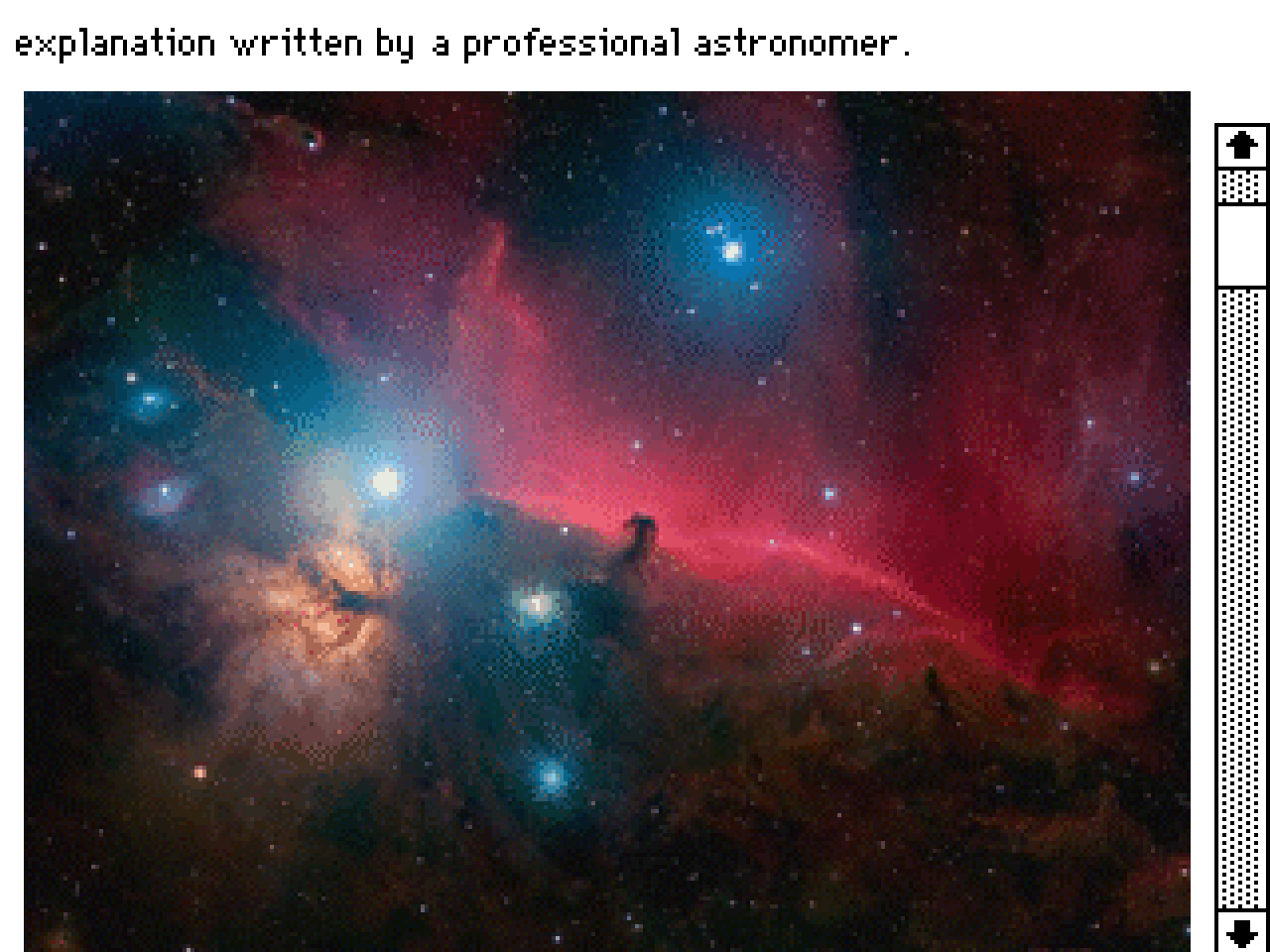
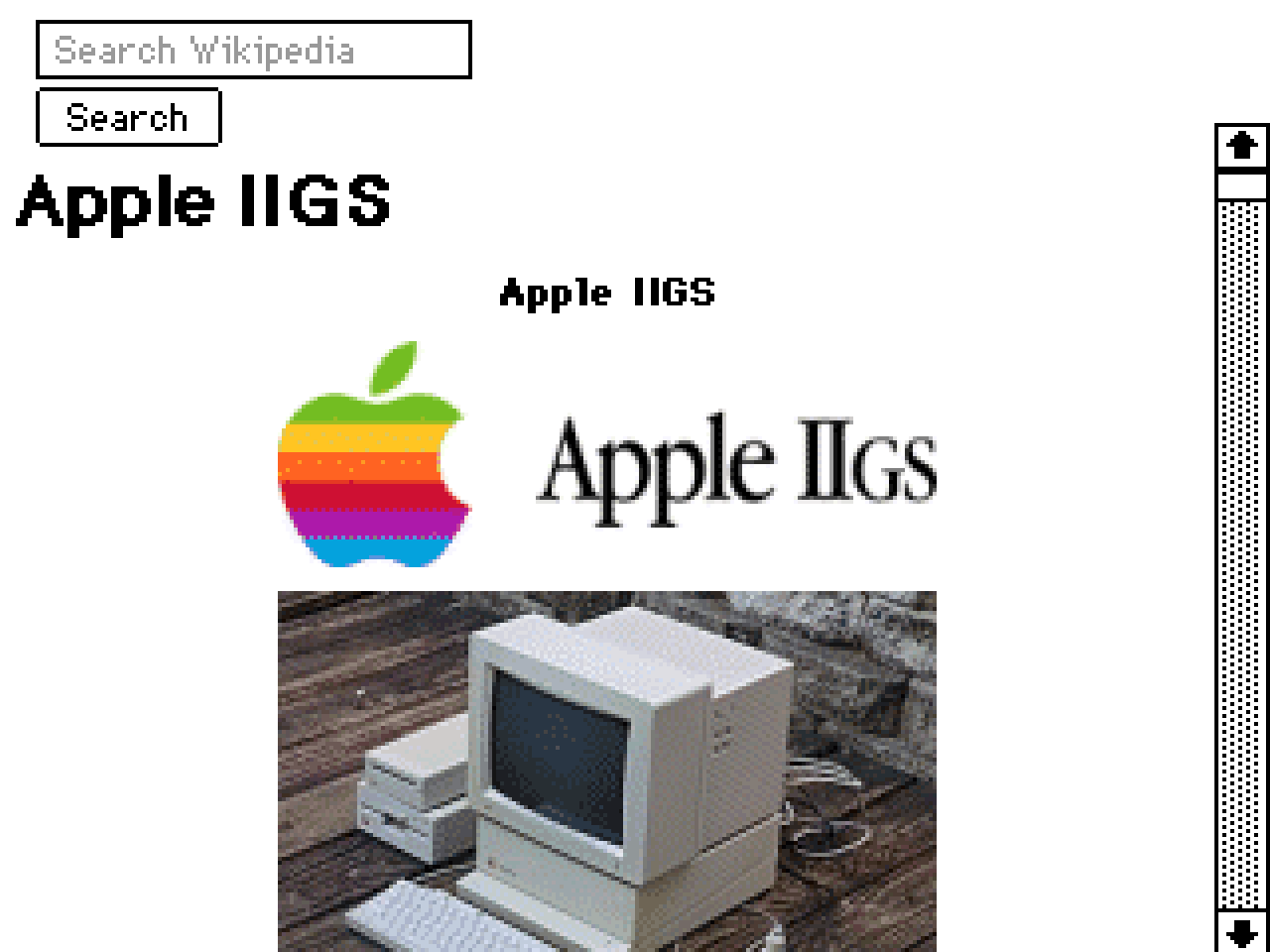
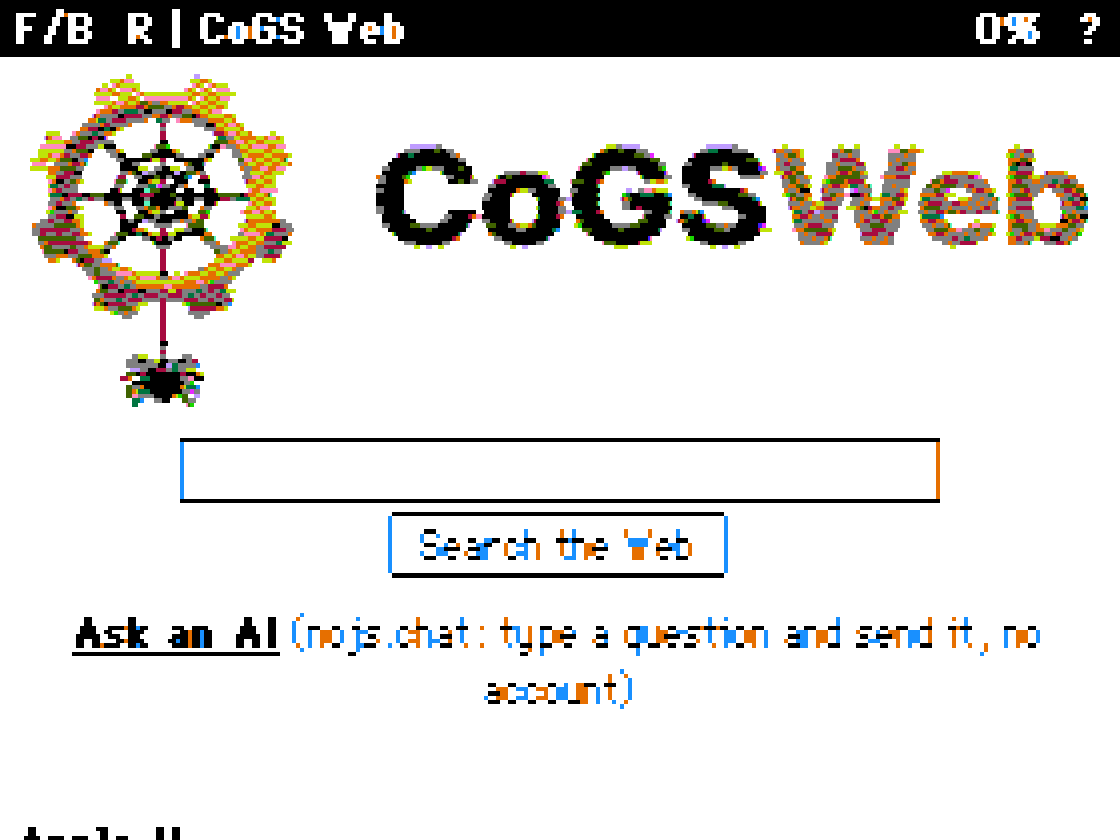
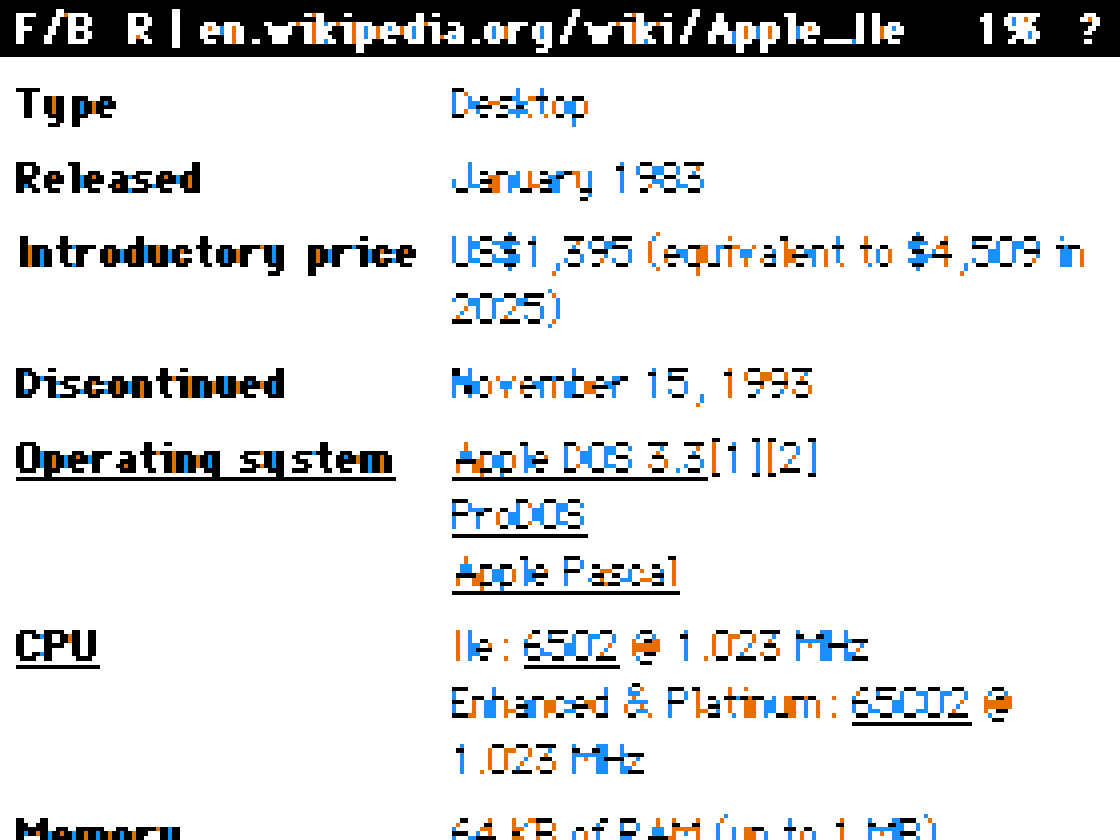
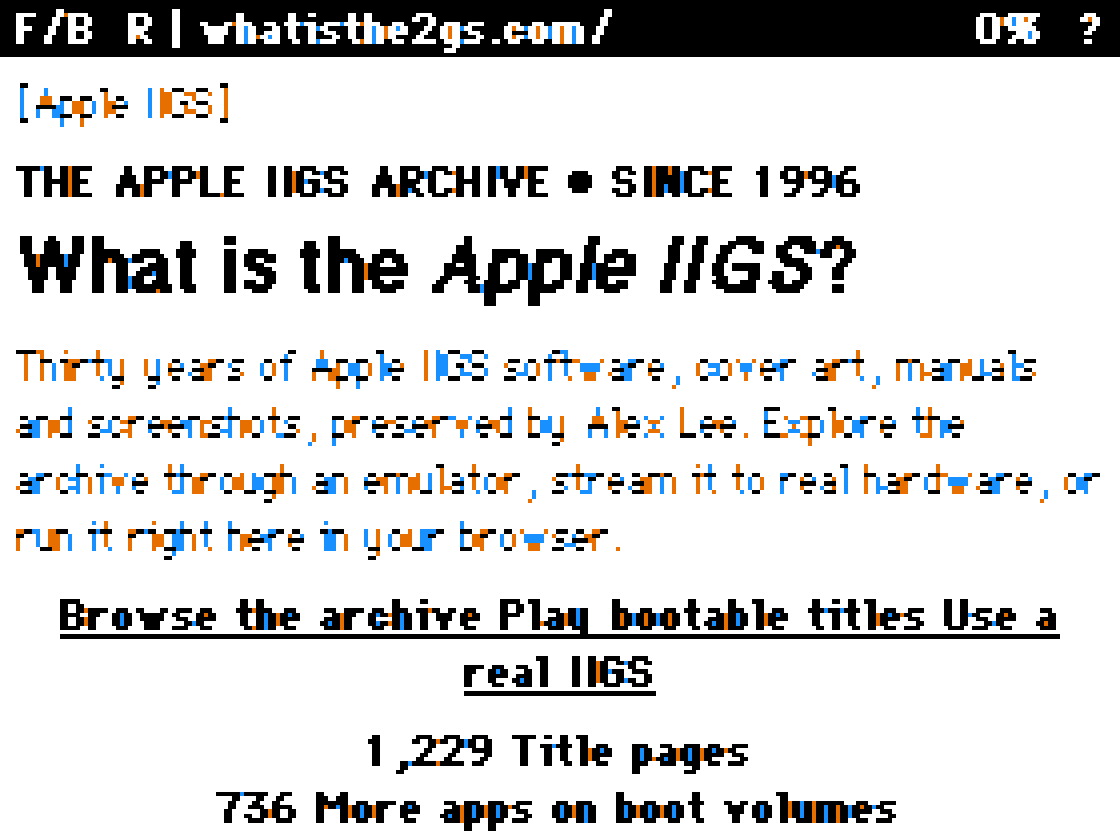
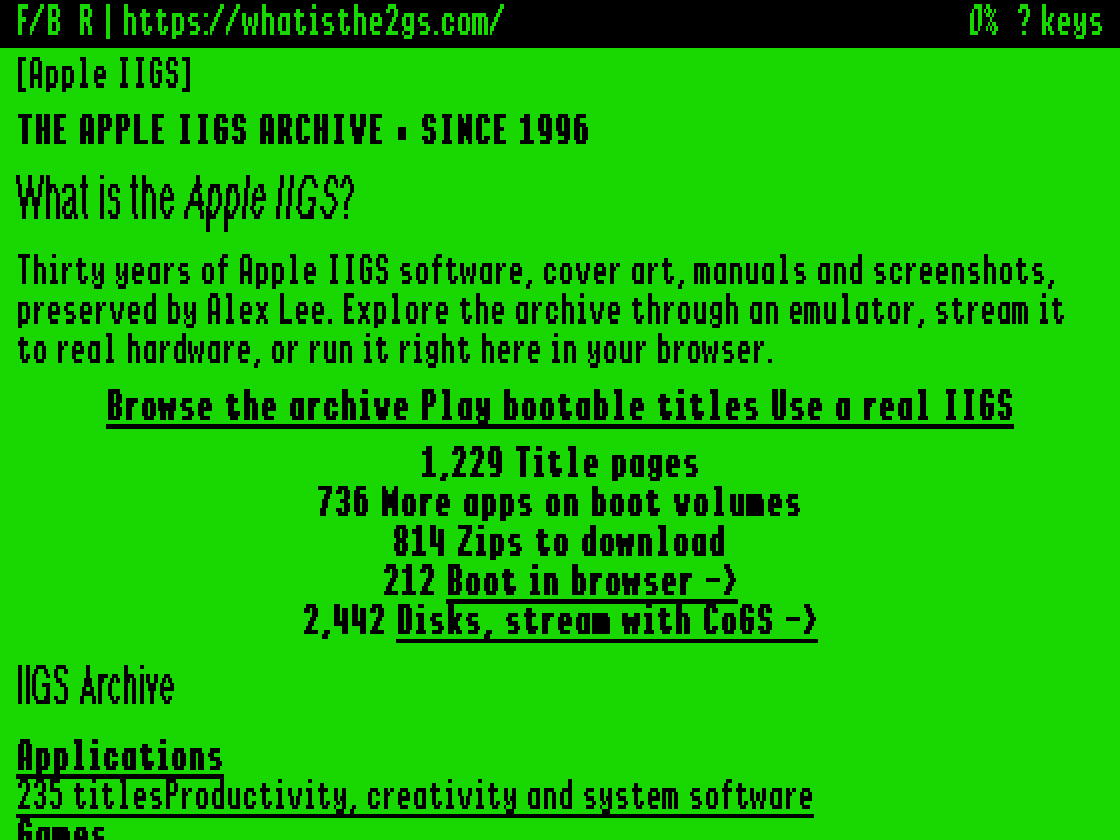
The home page. A search box, a link to an AI that needs no account, and sites that read well.Wikipedia. The fact table is set as a table, and the links are live.Hacker News. Its layout tables are read as lines of text.A search from the home page. The form at the top can be changed and sent again.NASA's Astronomy Picture of the Day on the standard screen. Each band of the photograph has its own palette.whatisthe2gs.com, the IIGS archive.Brutal Deluxe Software.a2cogs.com.Dark Mode, from the Settings menu.
02
What the IIGS can now do
For the first time, an Apple IIGS browser can open today's HTTPS web directly, without a proxy. This is what it takes.
HTTPS from the slot
The card makes the TLS 1.2 connection to the site itself. There is no proxy and no helper program on another computer.
Today's pages
Wikipedia's article on the IIGS is 390 KB of HTML with 230 KB of style sheets. The card reads all of it, applies the rules that hide and show things, and keeps the article.
The IIGS's own fonts
Text is set from Apple's IIGS font files and drawn the way QuickDraw II draws it, with its bold and its italic. A page matches the desktop around it.
Photographs
JPEG, progressive JPEG, PNG and GIF are decoded on the card, scaled to the page, and given a palette for each band of the picture.
Forms, cookies and downloads
Search boxes, lists and buttons work, and the card keeps a site's cookies while the browser is open. A zip or a ProDOS disk image can be saved whole or unpacked into a folder on any GS/OS volume.
A stock IIGS is enough
ROM 01 or ROM 3, System 6, 2.8 MHz. The IIGS's speed sets how fast a screen is copied. The reading and drawing are done before the rows reach it.
03
The card draws the screen
The IIGS never sees HTML and the card never touches screen memory. A key goes to the card, and the rows of the screen that changed come back.
THE COGS CARD
Opens the connection: HTTP/1.1, TLS 1.2, gzip, redirects, cookies
Reads the HTML and up to eight style sheets
Lays the page out with the IIGS font widths
Draws lines of text into Super Hi-Res rows
Decodes, scales and color-fits pictures
Unzips downloads and reads disk images
THE APPLE IIGS
Runs the desktop: menus, address bar, scroll bar, pointer
Sends keys and clicks to the card
Copies the rows that come back onto the screen
Moves the rows already on screen when the page scrolls
Writes downloaded files through GS/OS
96 KBthe memory the card's page engine works in
200 KBthe program on the IIGS, one file
16 rowsdrawn at a time, so no screen is held whole
2.8 MHzis enough on the IIGS
An Apple IIe gets the same pages from the same card. Its program asks for double hi-res rows, copies them to the screen and sends keys back.
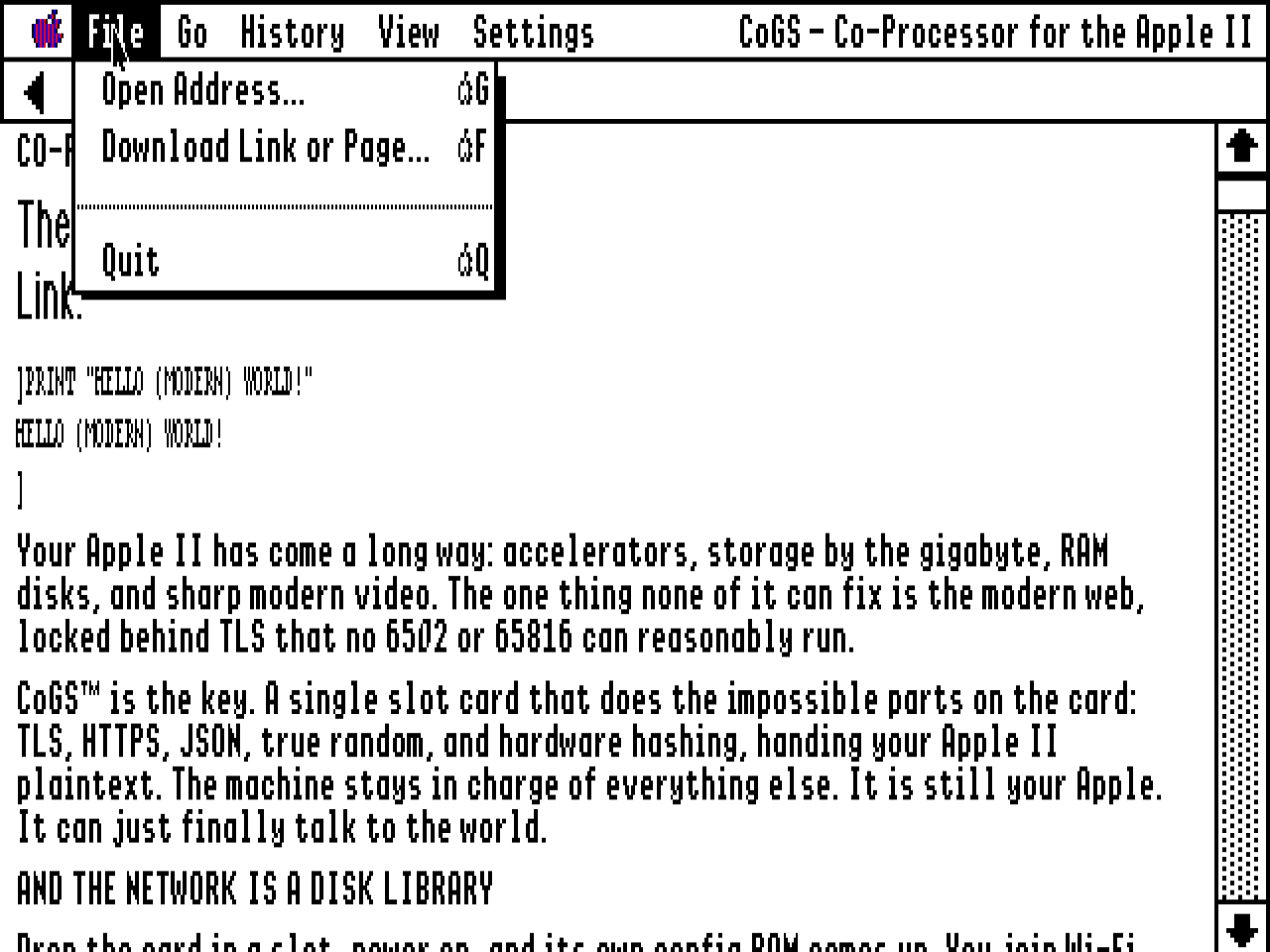
Menus, a mouse pointer, an address bar with back, forward and reload, a scroll bar, and a key for everything.
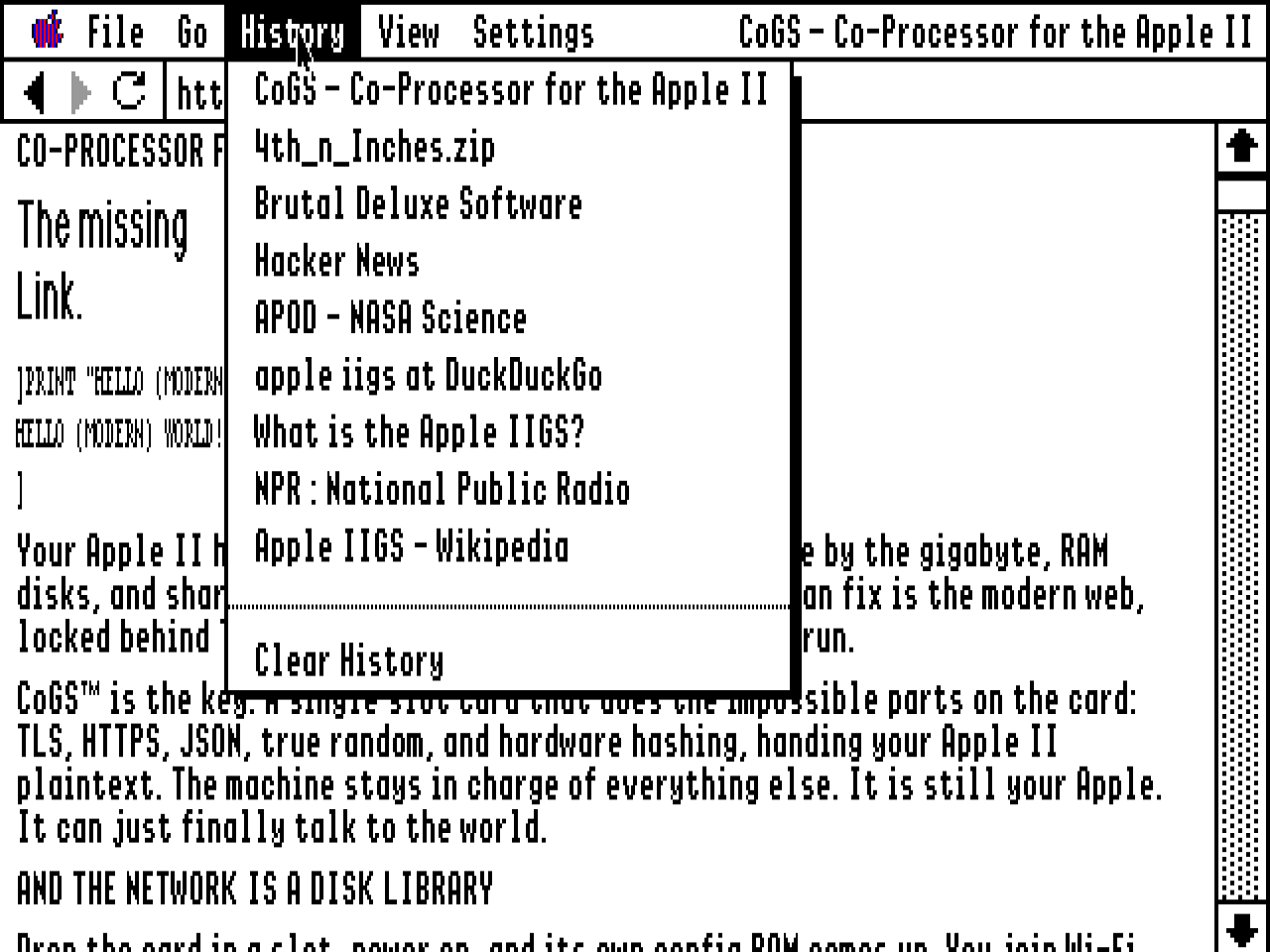
File.History keeps the last ten pages between runs.View. The Turbo screens are gray on a machine without one.Settings.
05
More screen on an AppleSqueezer GS Turbo
With a GS Turbo the View menu has three more screens on its HDMI output. The card draws the page again for each one.
640 x 480. The whole HDMI screen, more than twice the rows.320 x 240 in 256 colors. The picture gets colors of its own.The same article in 256 colors.
06
On an Apple IIe
A second program runs on an Apple IIe with 128K. The card draws the page for the double hi-res screen, in the same fonts, and the IIe copies the rows it is sent. These pictures are from an emulated IIe running that program, with the card's page engine built for the Mac. The pages are the live sites as they were on November 19, 2026.
On a composite color monitor
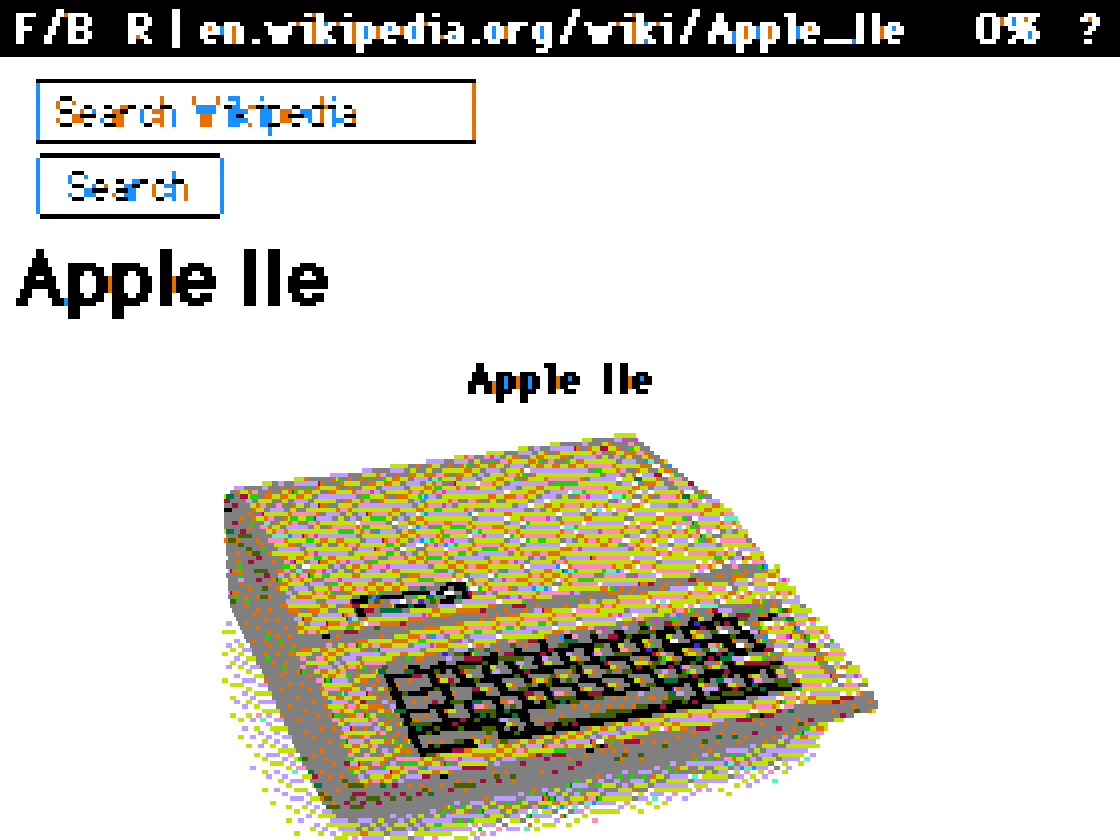
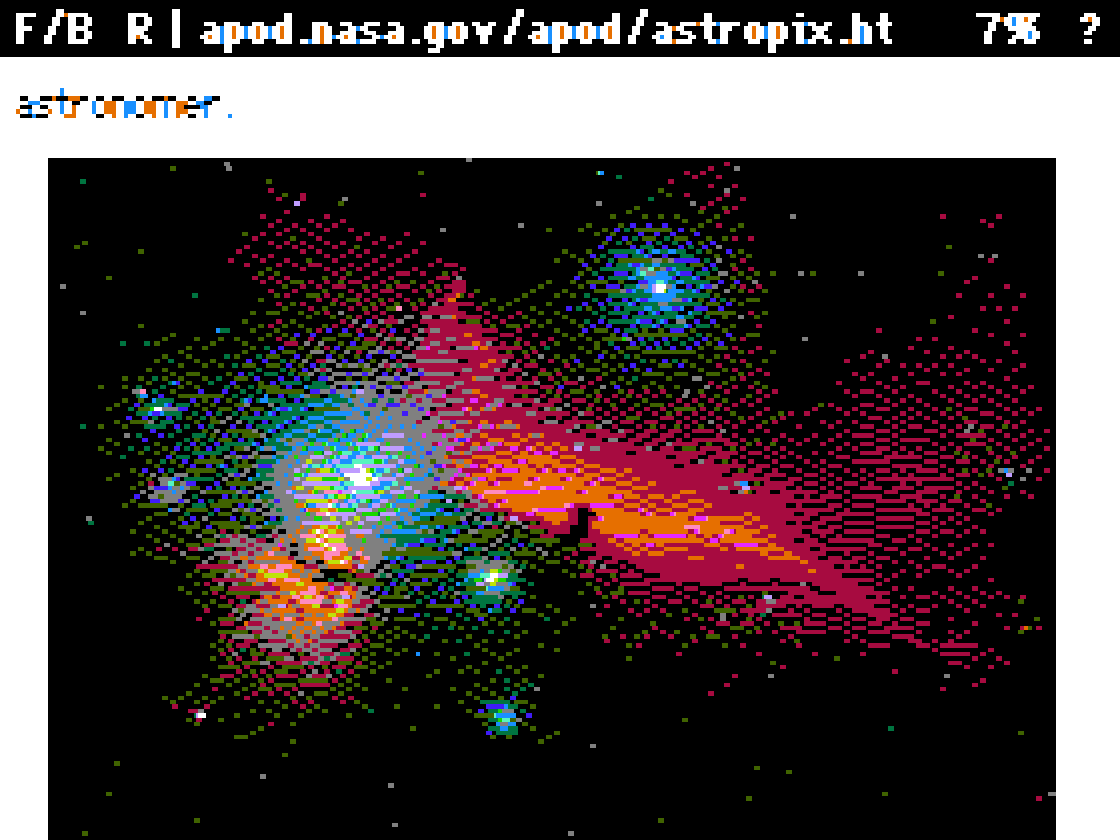
Wide text, about 40 columns, and pictures in the 16 double hi-res colors. The colors are the emulator's model of a composite monitor.
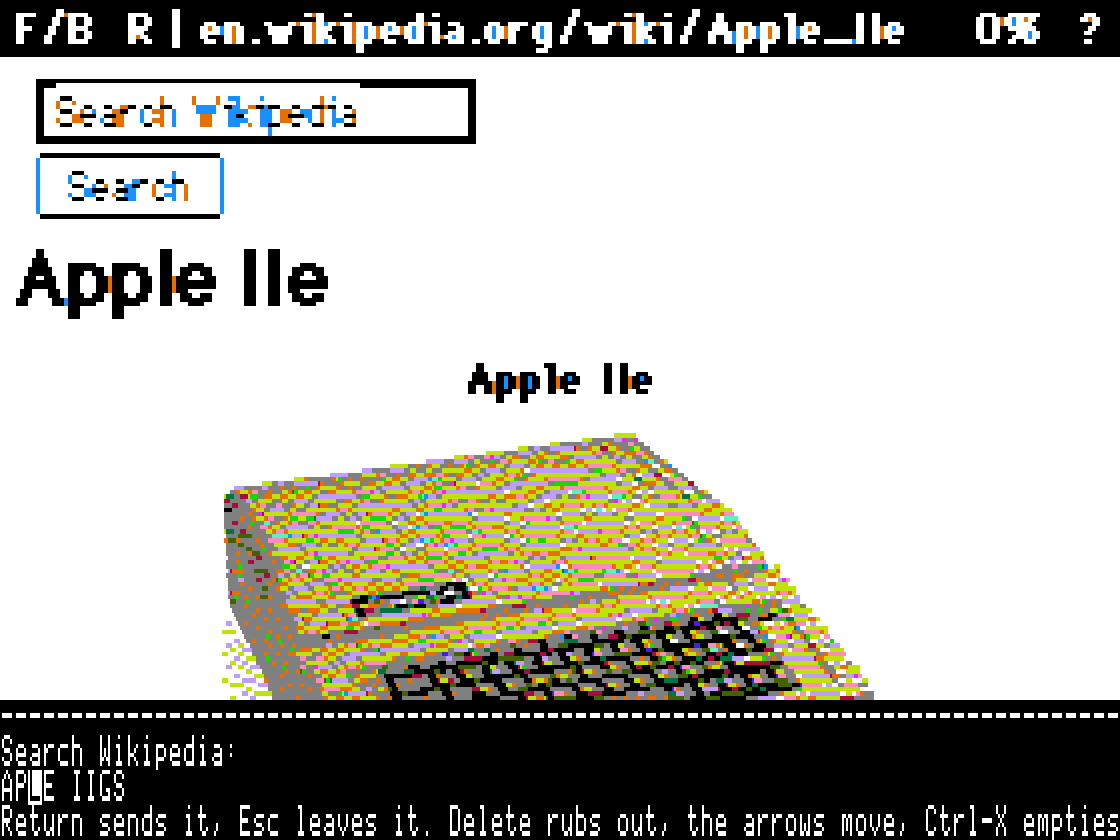
The home page.Wikipedia's article on the IIe, read on one.NASA's Astronomy Picture of the Day.The article's fact table, with live links.Typing into a search box. The line is typed at the foot of the screen.whatisthe2gs.com.
On a monochrome monitor
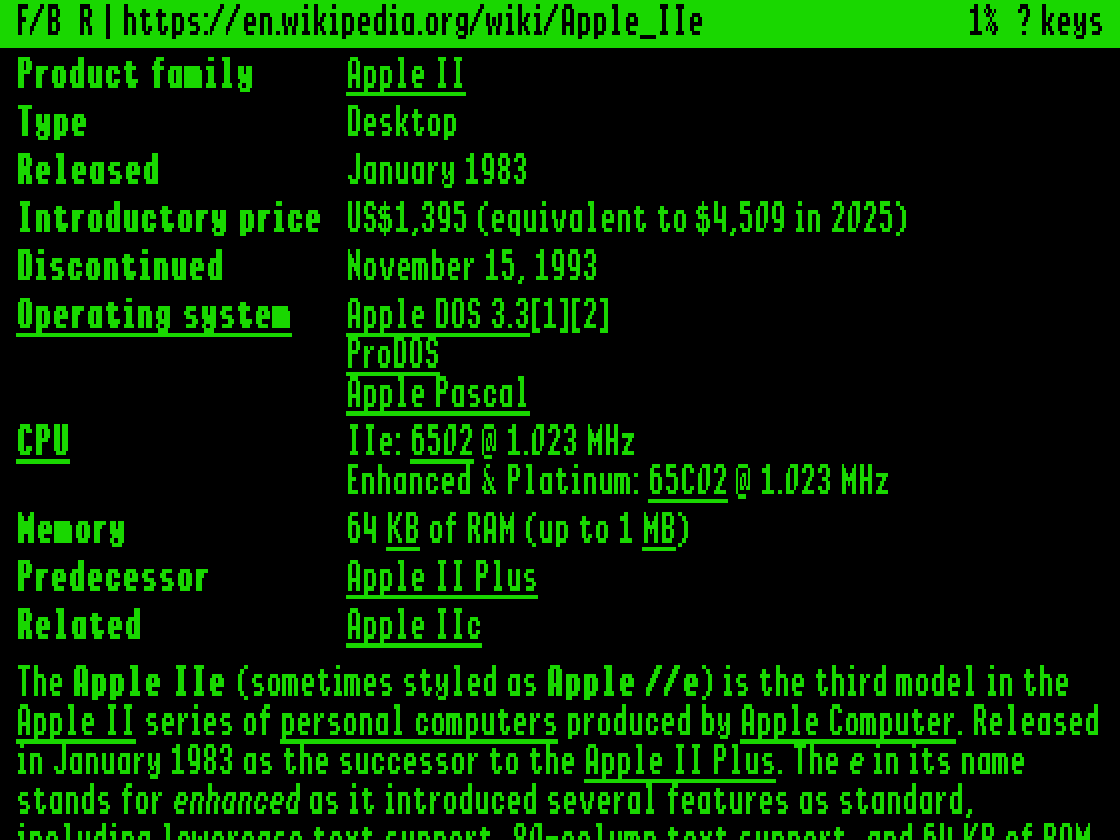
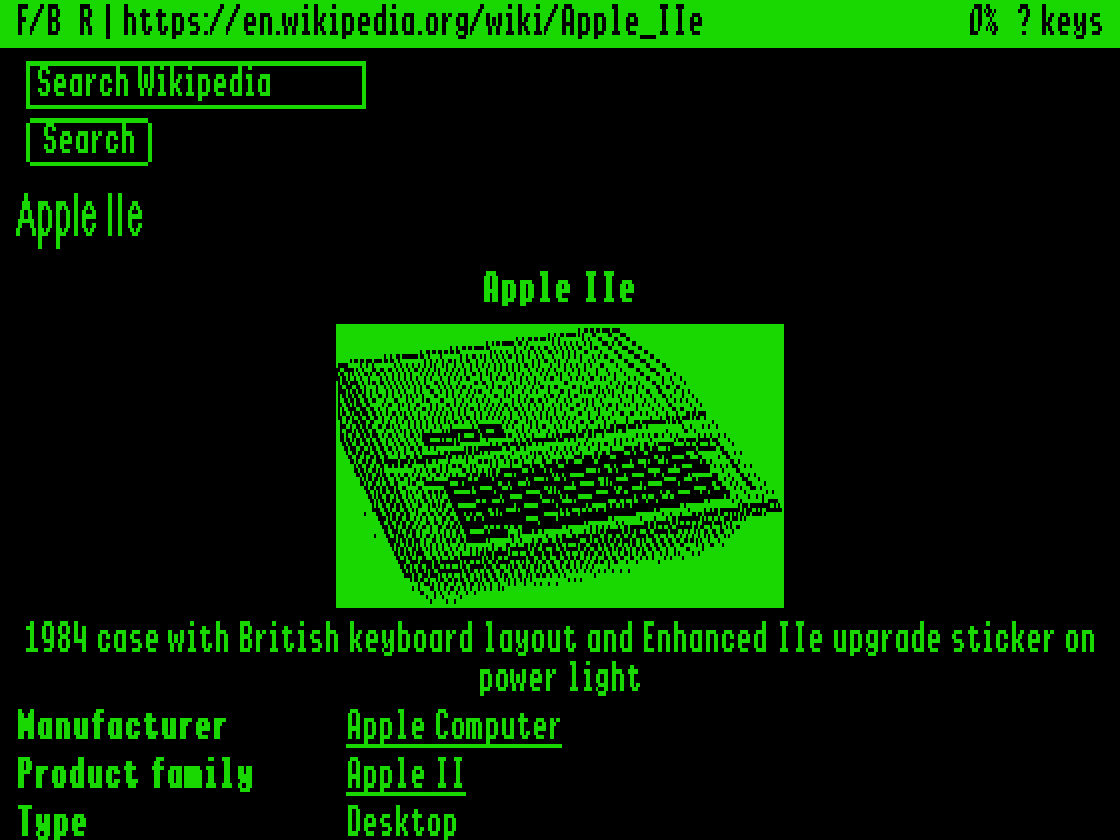
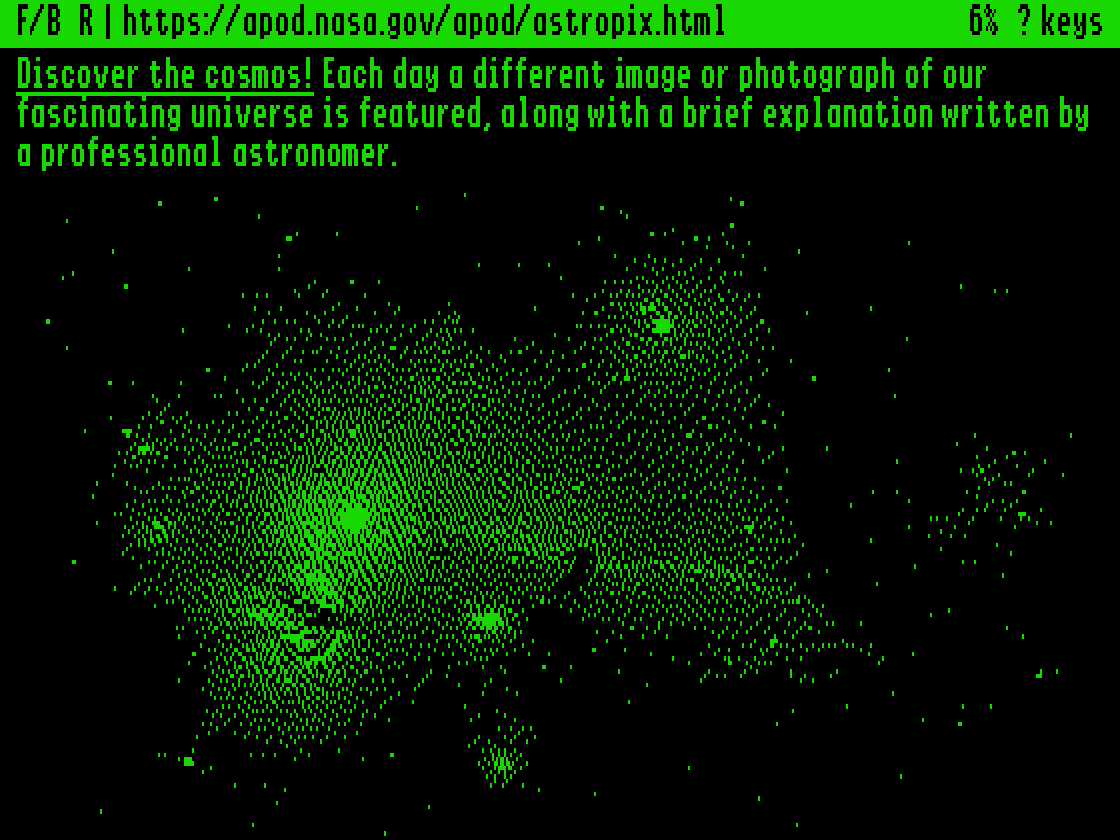
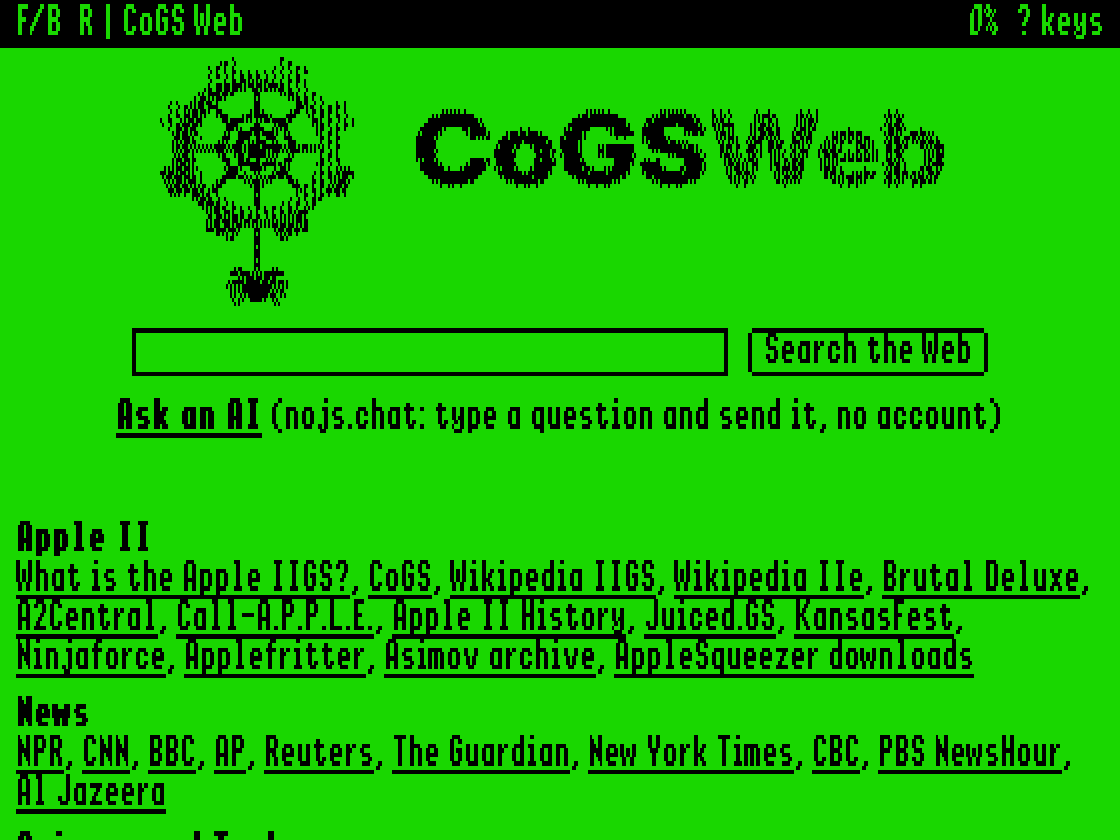
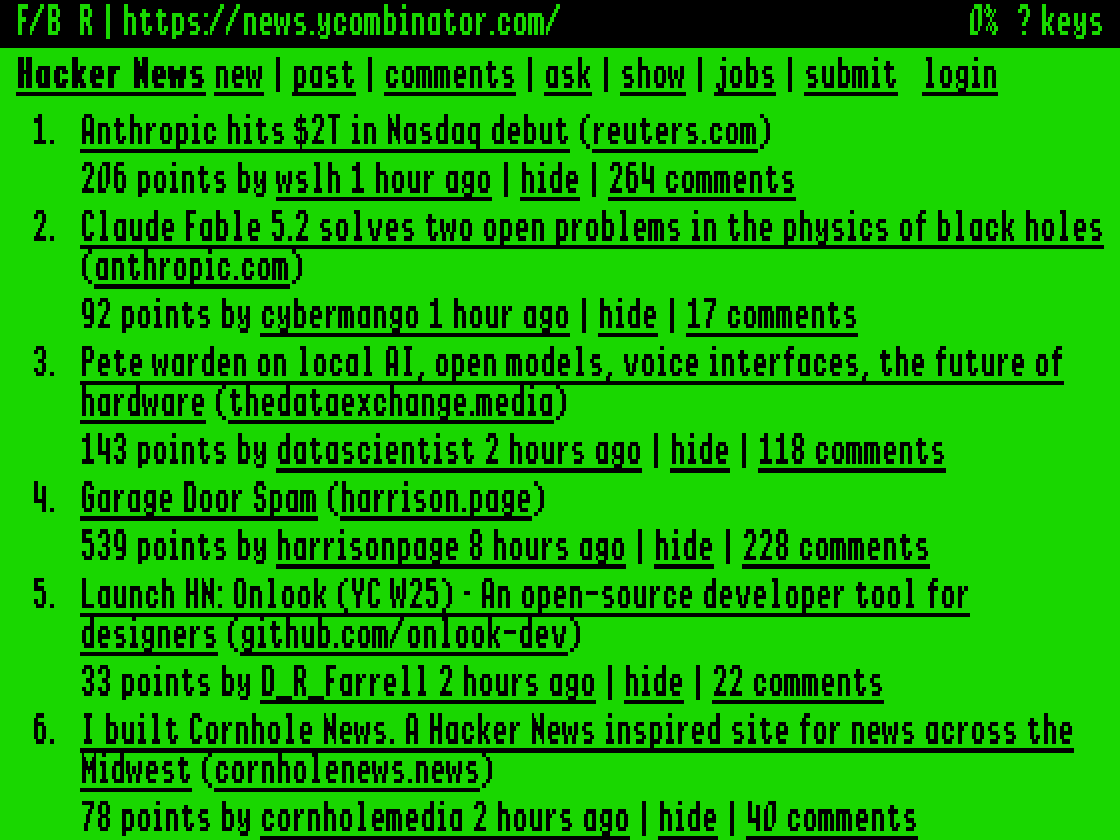
Small text, 560 dots across and about 80 columns, and pictures in dots placed for brightness alone. These are the emulator's green screen.
Wikipedia on the dark page.The photograph of the IIe in dots.NASA's Astronomy Picture of the Day in dots.The home page on the light page.Hacker News.whatisthe2gs.com.
128Kan Apple IIe with the extended 80-column card, enhanced or not
11 KBthe program on the IIe
16 colorsin pictures, or black and white dots at 560 across
1 MHzabout a second to copy a full screen in the emulator
Every command is a key, and ? lists them. W changes between wide text, which a color monitor can show, and small text for a monochrome one. M changes pictures between color and dots. D is the dark page. Links, forms, search and the address line work as they do on the IIGS. There are no menus and no mouse, and saving a file to disk isn't in the IIe program yet.
The same disk runs on a IIGS in its 8-bit mode.
07
Downloads
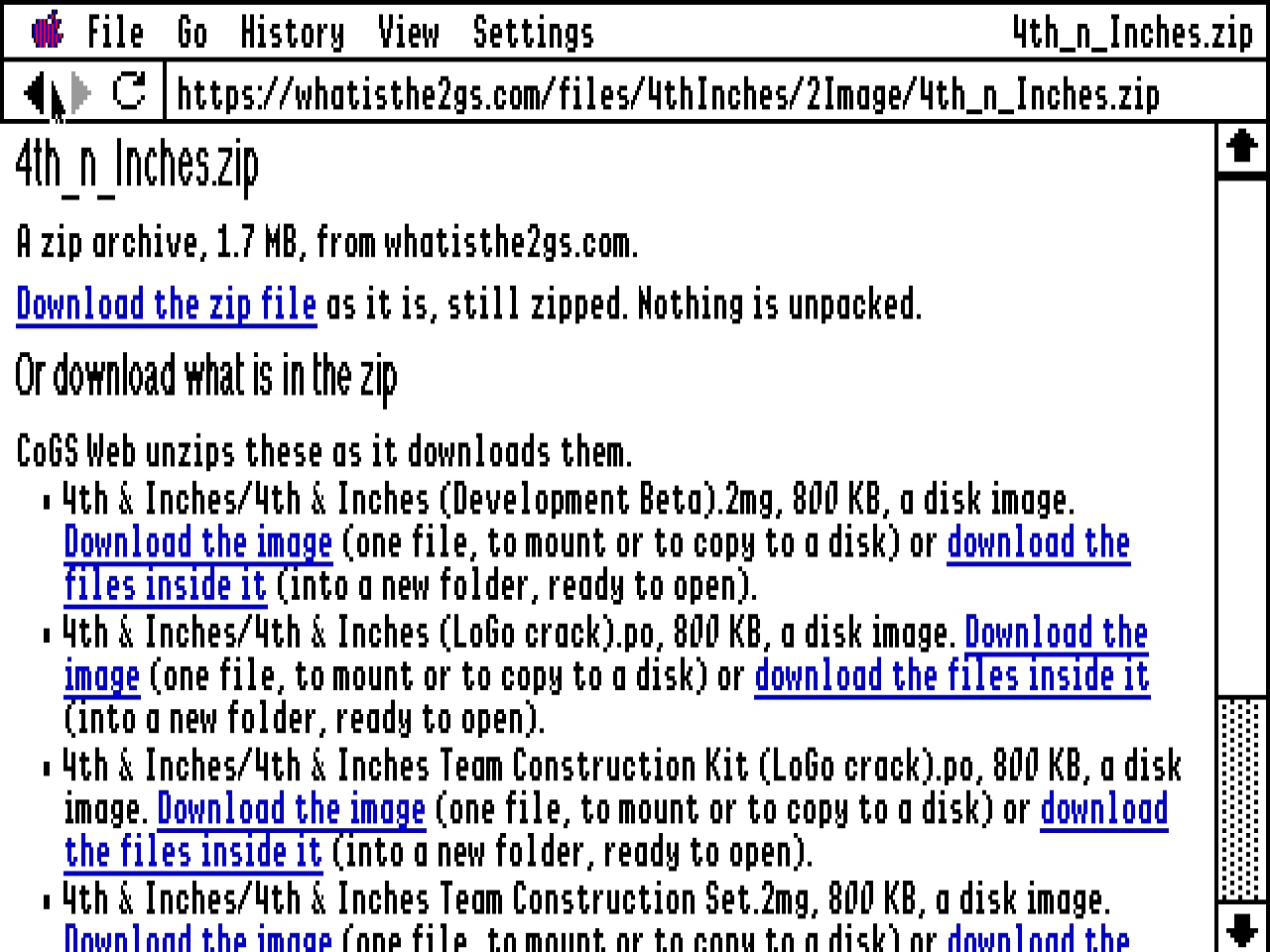
On the IIGS, CoGS Web can download a zip file, or extract its contents on the fly and save them to your GS.
Click a link to a zip and CoGS Web shows what's inside it. You can save the zip itself, or have the card unzip it as it downloads, one file or all of them into a new folder.
Disk images work the same way. Save a .po, .2mg or .hdv as an image, or copy the files off it with their file types, dates and resource forks intact.
You pick where it goes in the standard GS/OS save dialog, so any disk GS/OS has mounted works.
A zip from whatisthe2gs.com, with what is inside it.
08
What it can't do
No JavaScript runs. A site that builds its page with scripts shows little or nothing, and the browser says so.
The card speaks TLS 1.2. A site that accepts only TLS 1.3 will not open.
No sound, video, uploads or printing.
Colors, widths and positions from style sheets are not used. A page reads as a column of text and pictures.
SVG and WebP pictures are not shown, and an animated GIF shows its first frame.
Pages don't open while the card is playing music. Stop the music first.
The IIe program has no menus, no mouse and no saving of files.
09
Getting it
Released with firmware 1.50. CoGS Web needs a CoGS card. Update the card from its own About screen (About / Update, then U). The program is in the card's catalog under Browse Disks. CoGS Web Boot Disk starts a IIGS straight into the browser and is the second row of Featured, CoGS Web is the 800K program disk, and CoGS Web IIe is the ProDOS disk for the IIe. Press L in Browse Disks and search for cogs web to list all three. The CoGS boot disk, CoGS Boot + Squeezer and the Communications disk have the program as well. To download the disk images to another computer, go to the CoGS Web page at whatisthe2gs.com. What changed in the firmware is on the Firmware notes page.